Reliable alarms
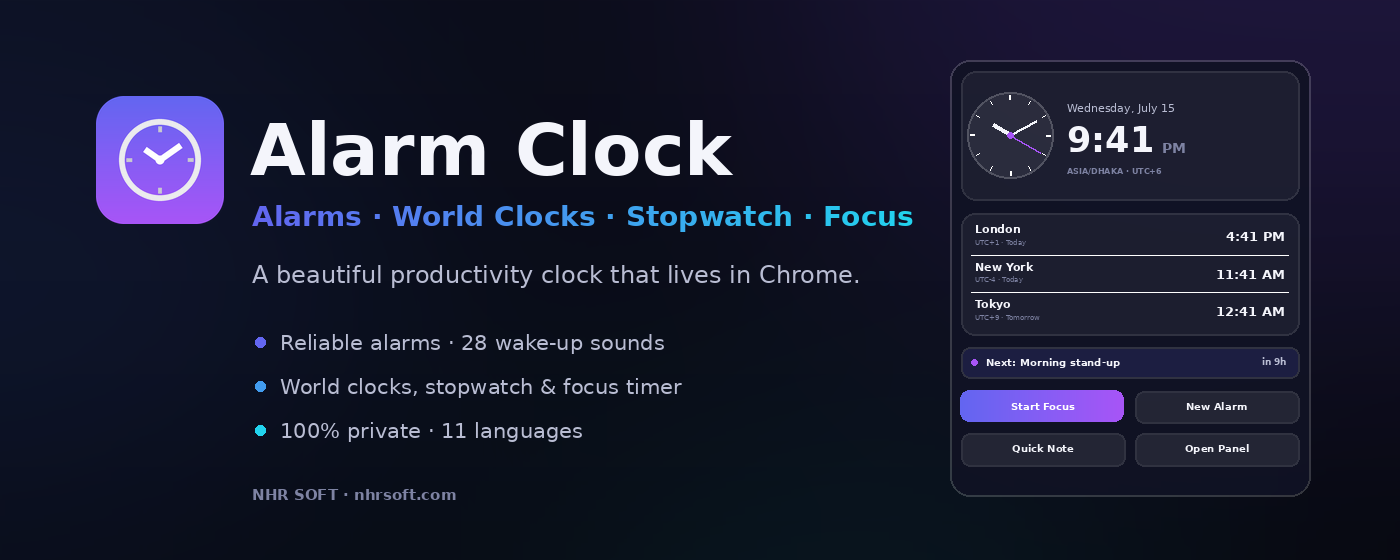
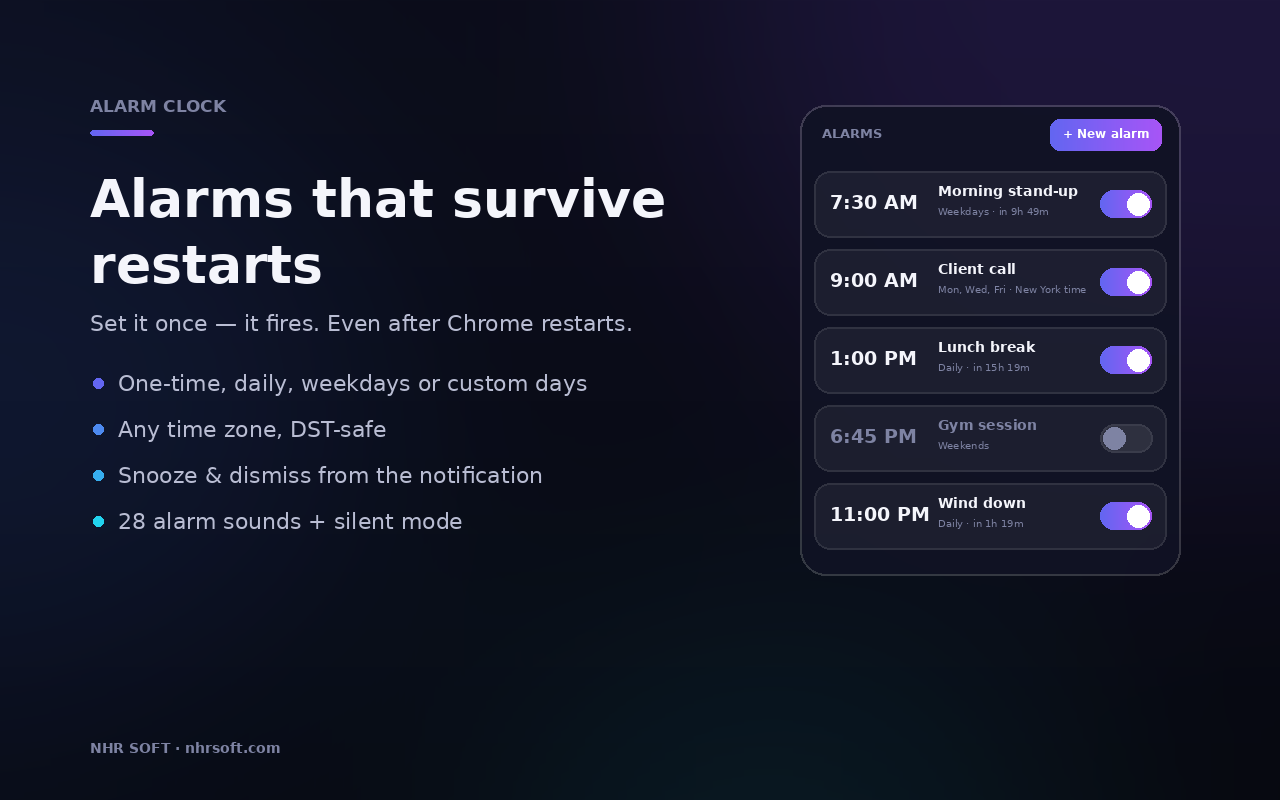
One-time, daily, weekday, weekend, and custom repeat alarms with snooze, dismiss, and time-zone support.
Chrome Extension
A beautiful all-in-one time workspace for Chrome with alarms, world clocks, reminders, notes, calendar planning, and focus sessions. Everything runs locally on your device with no accounts and no tracking.
11
languages
100%
local-first
28
alarm sounds
One-time, daily, weekday, weekend, and custom repeat alarms with snooze, dismiss, and time-zone support.
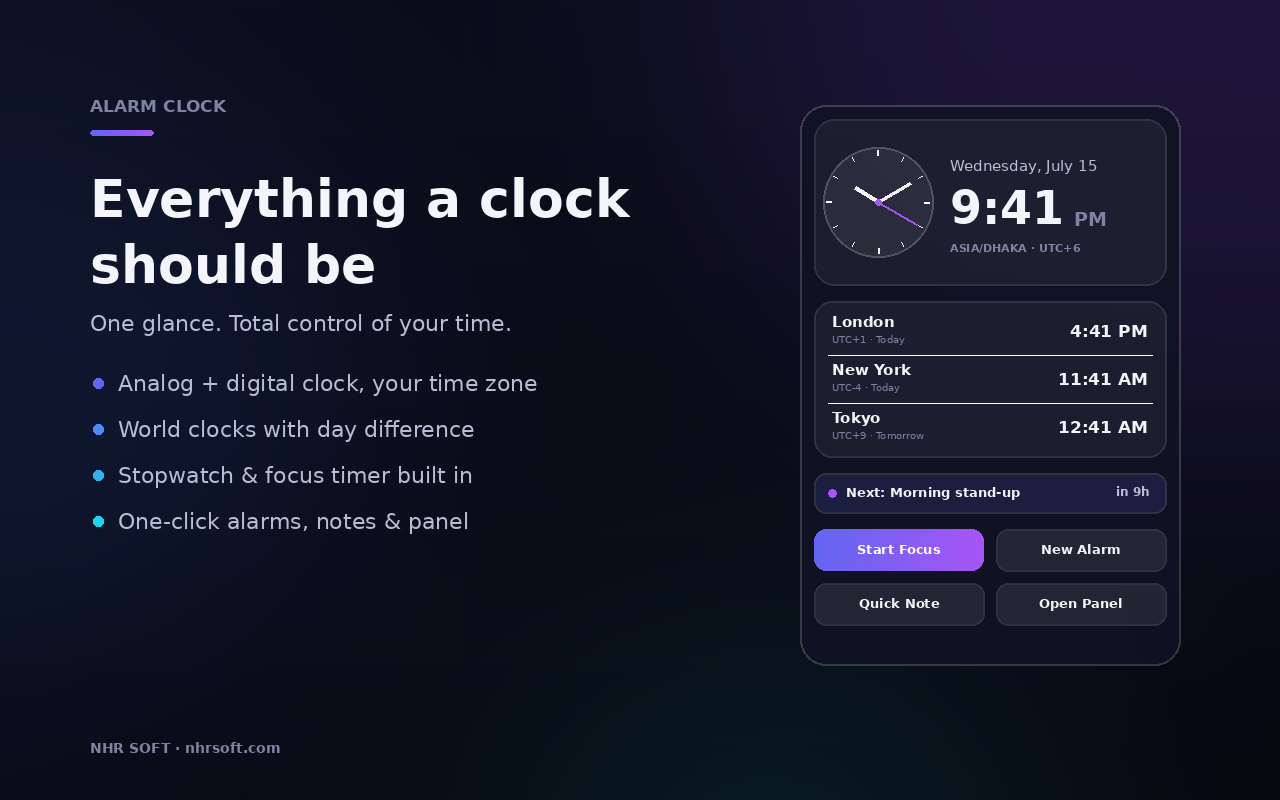
Track multiple cities with analog or digital display, UTC offset, and day difference at a glance.
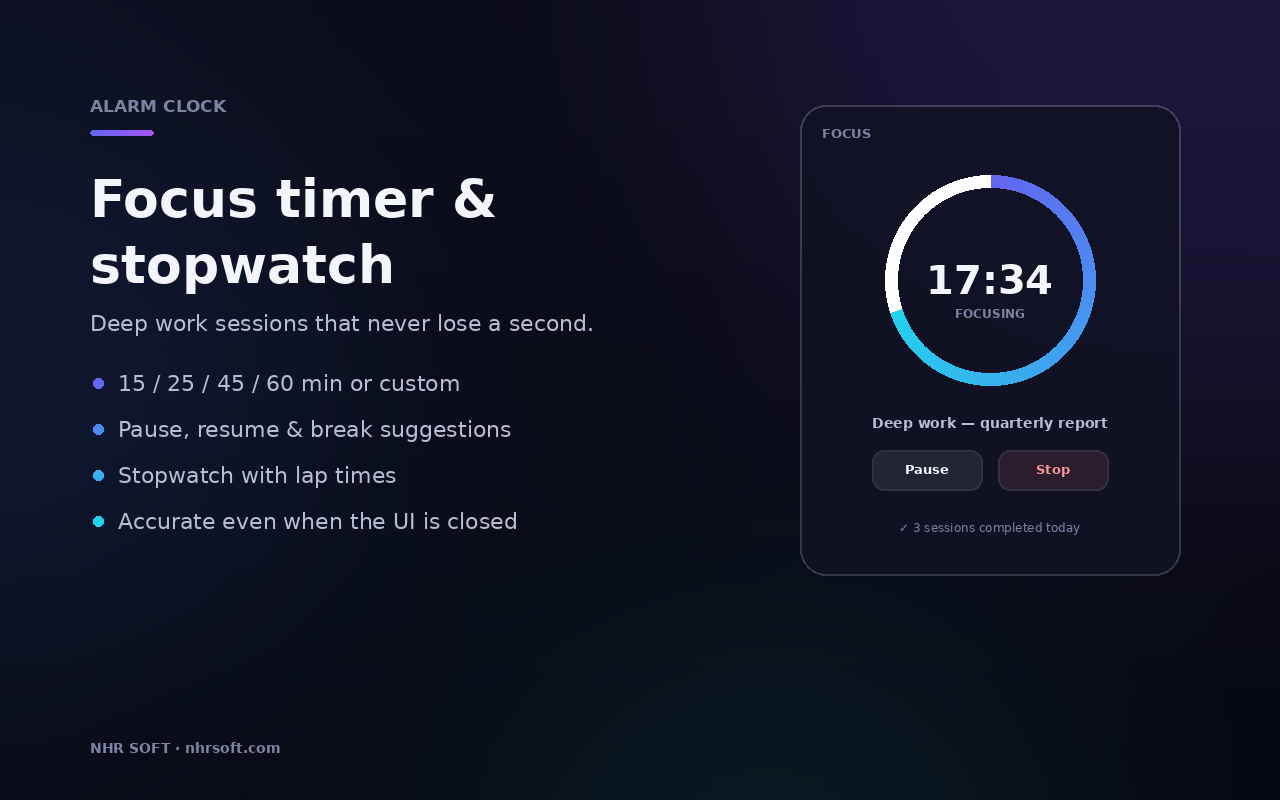
Use Pomodoro-style focus sessions, custom timers, and lap-based stopwatch tracking in the same workspace.
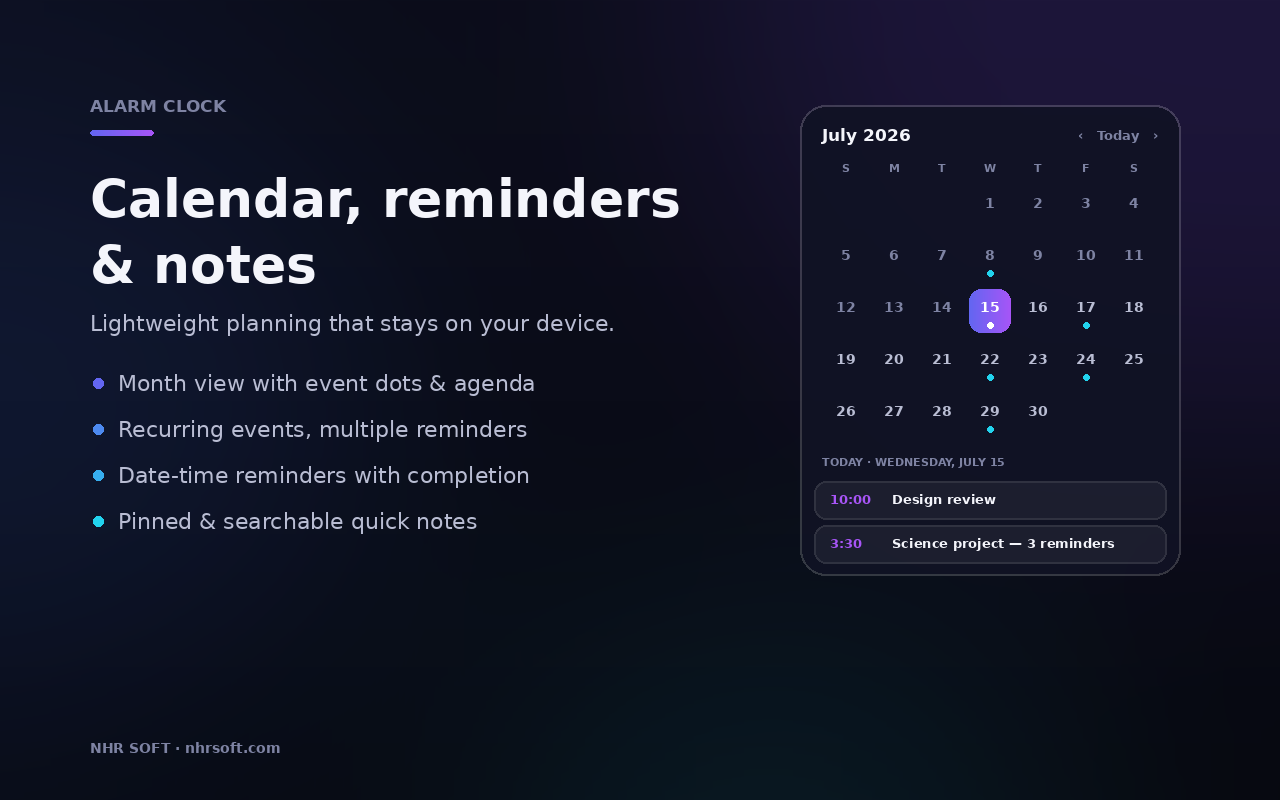
Manage date-based reminders, calendar events, notes, and daily agenda views without leaving Chrome.
Interface Preview
Use the full side-panel workspace to keep clocks, alarms, calendar items, and focus sessions together in one place.
Privacy Model
Alarm Clock stores alarms, reminders, notes, world clocks, focus history, and preferences locally in Chrome storage. It does not collect analytics, does not send your content to NHR Soft, and does not need access to browsing history or website content.
Core timekeeping, alarms, reminders, and notes work without relying on remote services.
Only the permissions needed for alarms, notifications, local storage, sound playback, and side panel UI are requested.
No telemetry, no ad network, no browsing-history access, and no server-side behavioral profiling.
Data export and import are handled by the user as a local JSON backup workflow.
Use the dedicated privacy and support pages below for product listing, customer guidance, and Chrome Web Store compliance.