Autism-friendly comfort
Adjust motion, sound, colors, brightness, images, page background, and reading spacing independently for each sensory profile.
 Autism-friendly Chrome extension
A calmer way to browse for autistic, neurodivergent, ADHD, and sensory-sensitive users. Pause motion, mute sound, soften colors, dim bright media, hide distractions, select website text, and listen aloud without sending data anywhere.
17
languages
Local
storage
Audio
selected text
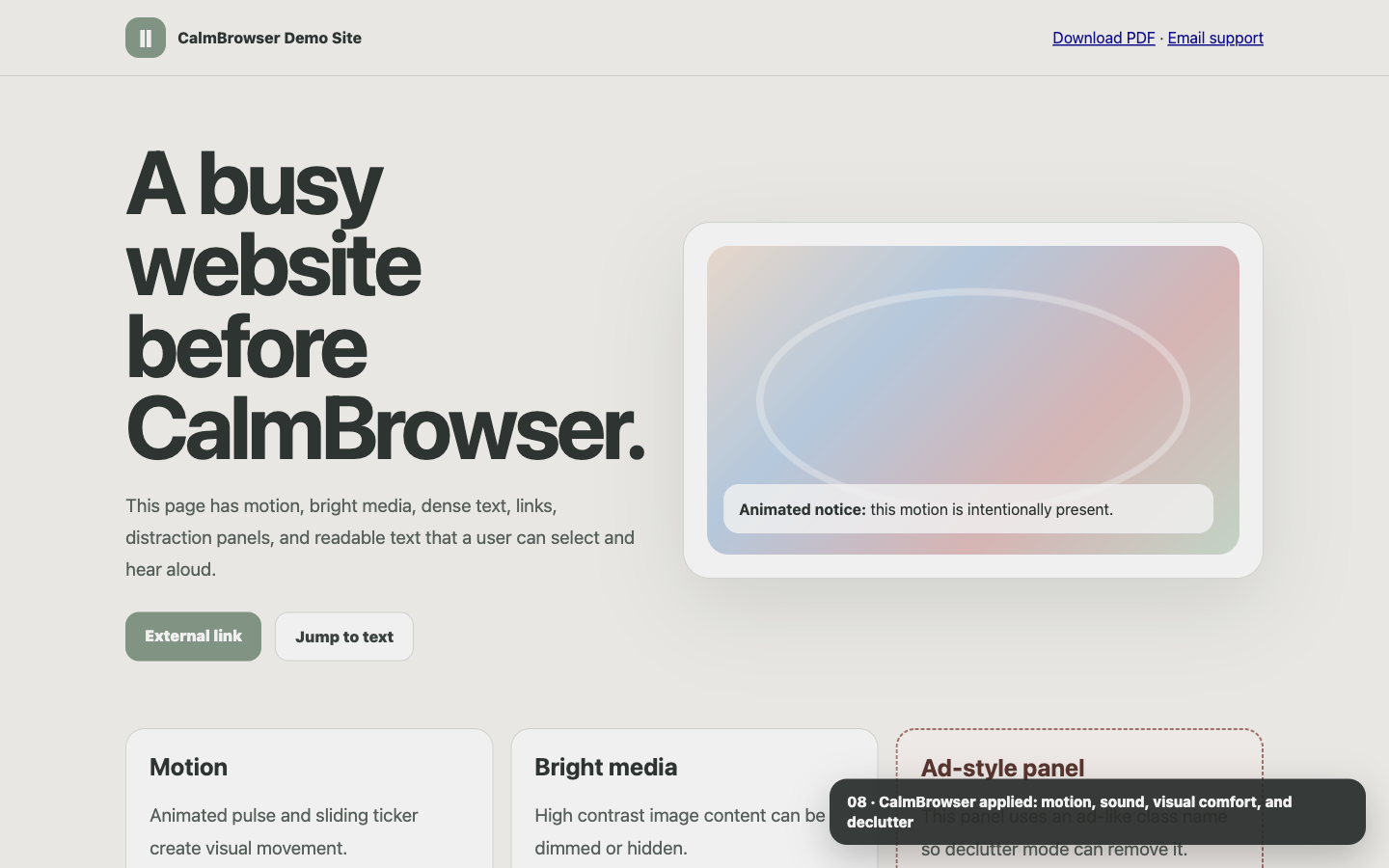
Adjust motion, sound, colors, brightness, images, page background, and reading spacing independently for each sensory profile.
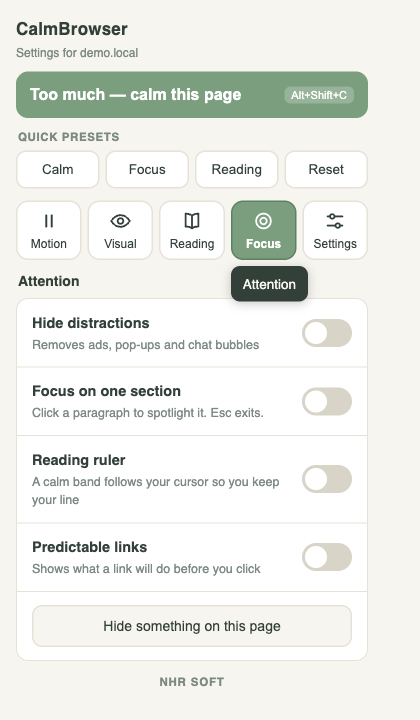
Hide ads, cookie banners, popups, chat bubbles, selected page elements, and distracting media.
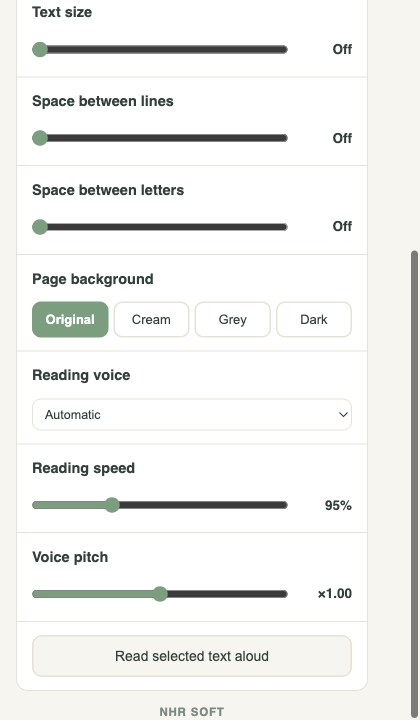
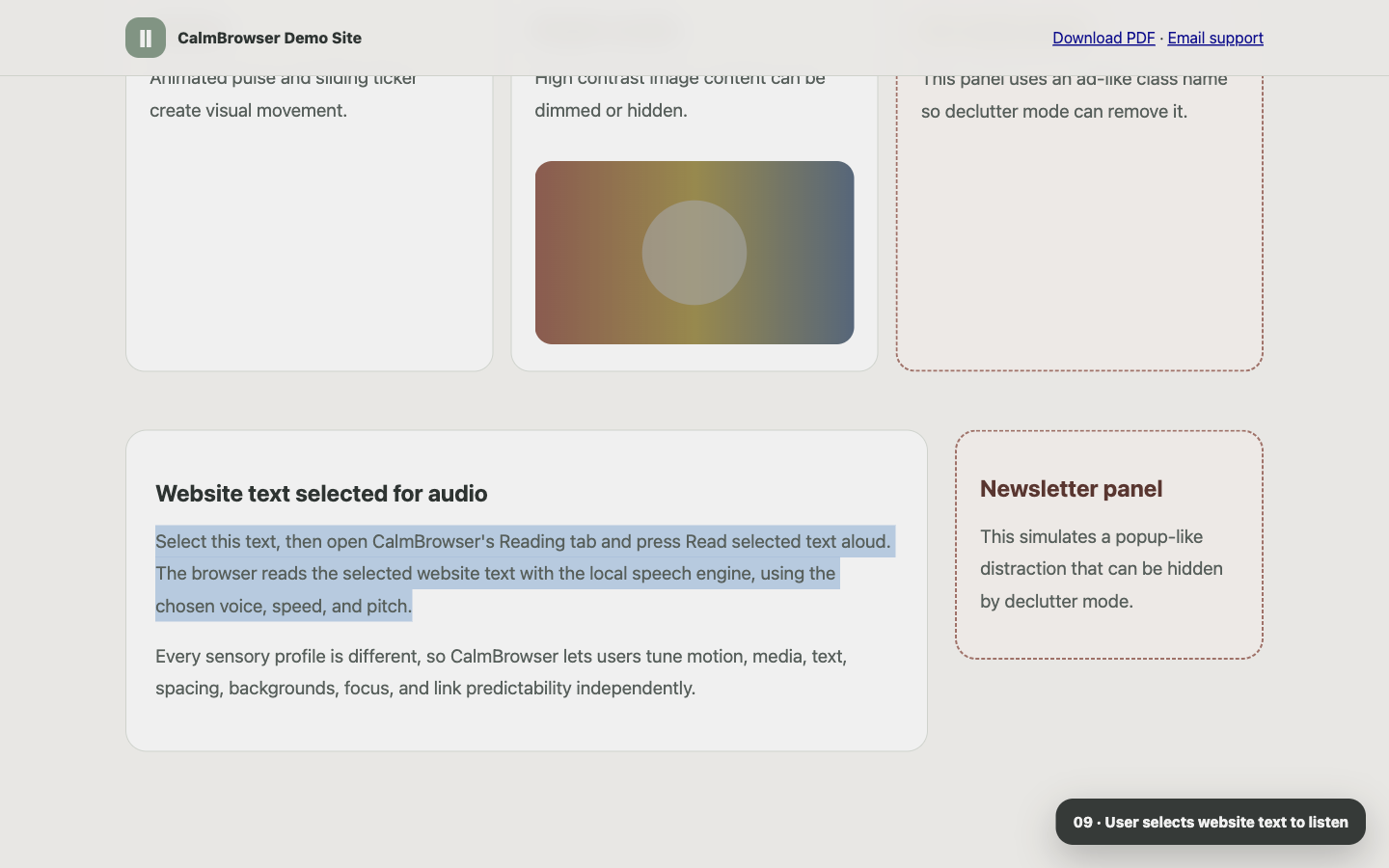
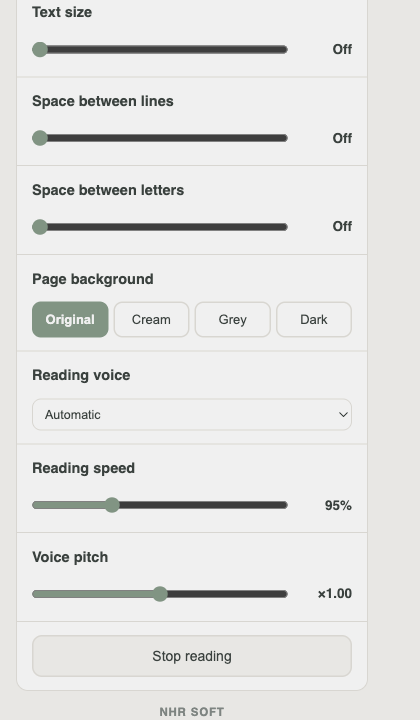
Select text on a website, choose the audio voice, speed, and pitch, then press read aloud from the popup.
Extension screenshots
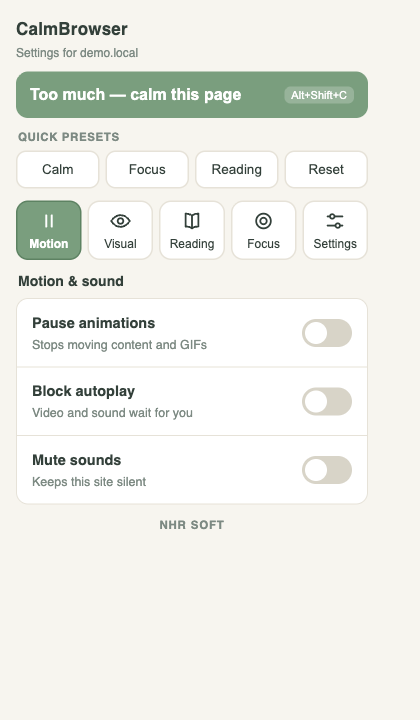
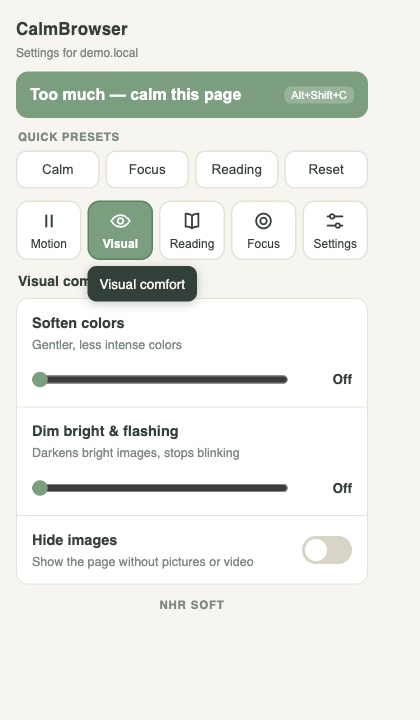
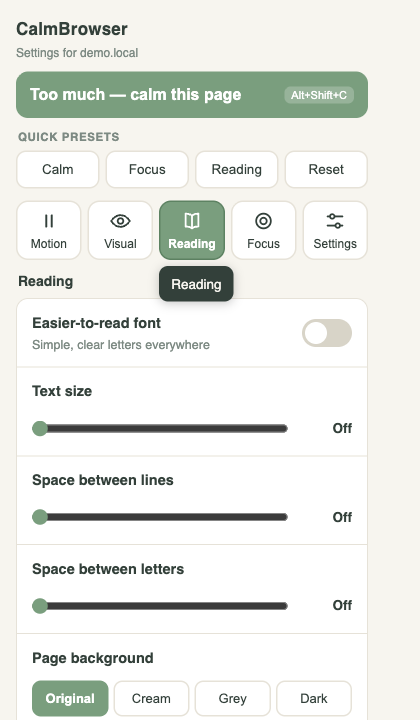
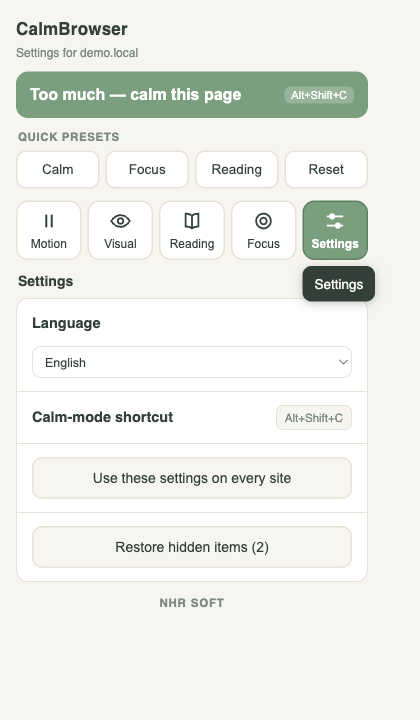
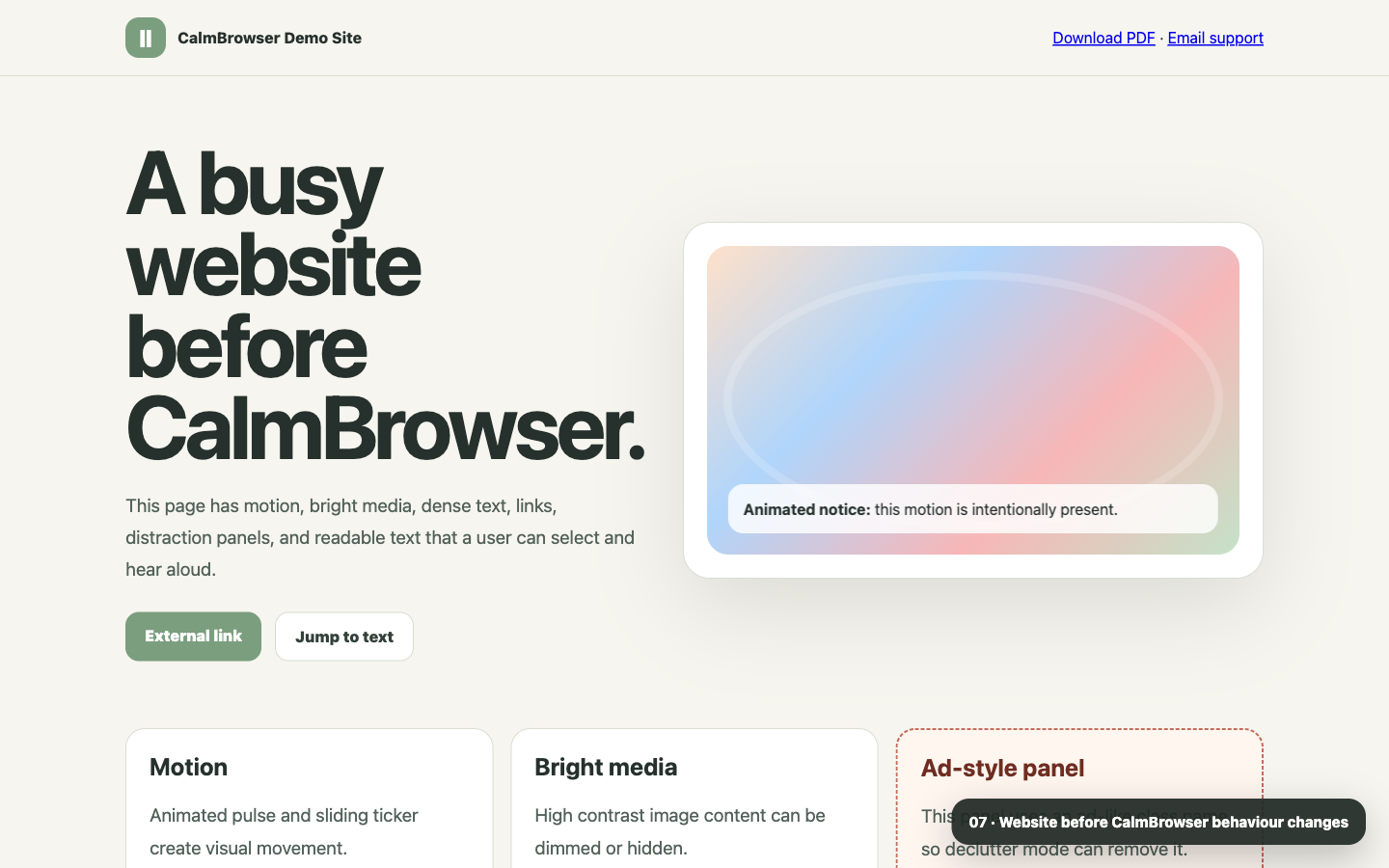
The popup keeps controls grouped into Motion, Visual, Reading, Audio, Focus, and Settings so users can change one area at a time and see the website become calmer.
Privacy model
CalmBrowser stores only feature settings and user-hidden element selectors in Chrome local storage. It has no analytics, no accounts, no remote code, and no network requests in the runtime extension.
No analytics, tracking, crash reporting, or advertising identifiers.
Settings are remembered by hostname so each website can feel different.
The Too much button applies calm settings without overwriting saved preferences.
Storage, activeTab, scripting, and page access are used only for accessibility behavior.