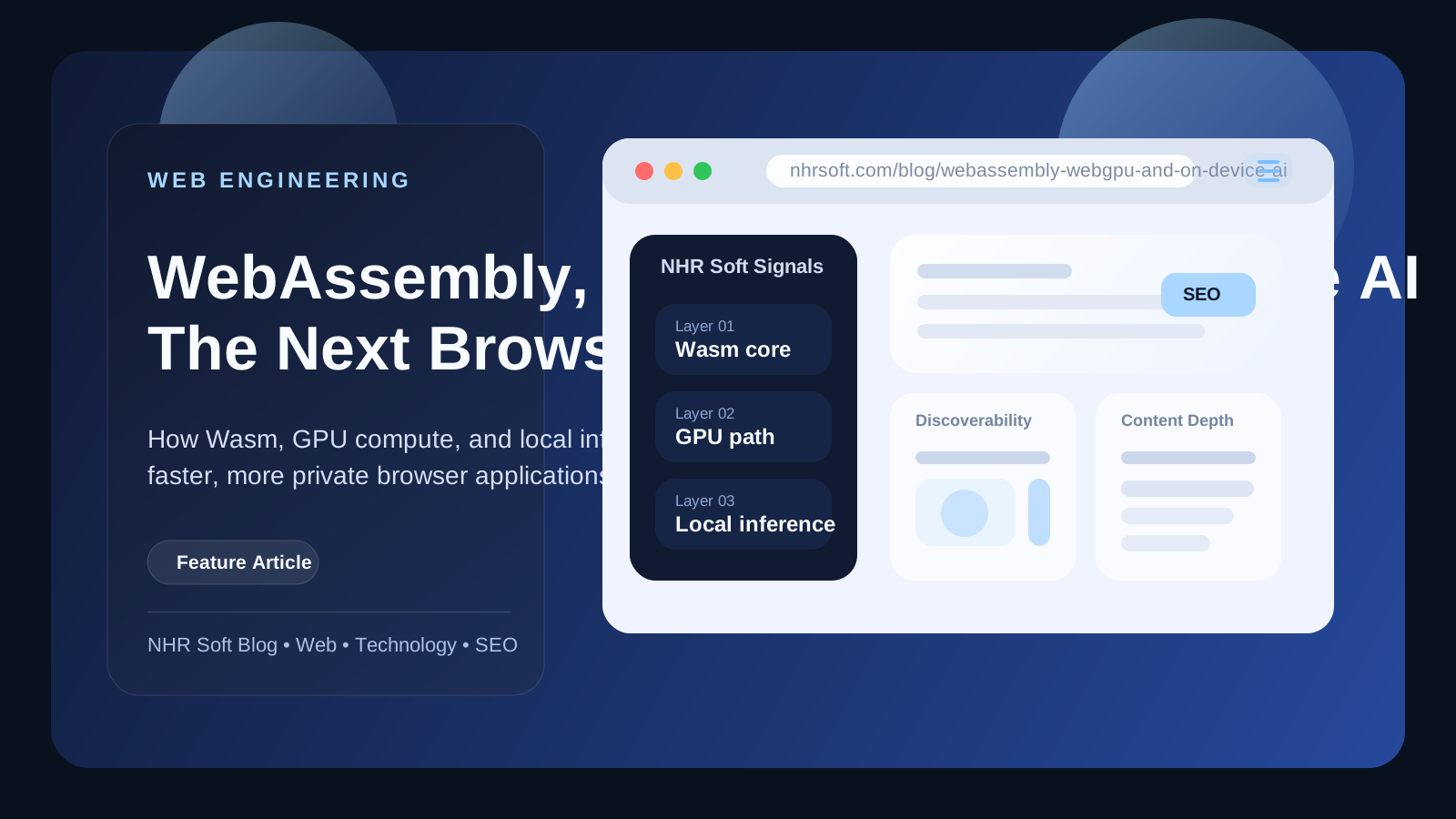
WebAssembly, WebGPU, and On-Device AI: The Next Browser Application Stack
WebAssembly, WebGPU, and on-device AI are sometimes presented as competing trends. In practice, they can form complementary layers.
Published
August 10, 2026
Reading Time
6 min read
Article Size
1,004+ words
Social Tags
Share This Article
Article Overview
This article is part of the NHR Soft knowledge base and is structured to help readers understand the topic quickly, review practical steps, and share product or engineering insights with confidence.
These technologies solve different problems
WebAssembly, WebGPU, and on-device AI are sometimes presented as competing trends. In practice, they can form complementary layers.
- JavaScript and TypeScript coordinate the application, browser APIs, accessibility, and interface.
- WebAssembly runs portable compiled code for tasks that benefit from predictable performance or reuse of Rust, C, C++, and other language ecosystems.
- WebGPU provides modern access to GPU computation and graphics for workloads that can be expressed in parallel.
- On-device AI runs selected model capabilities locally or through browser-provided APIs when supported.
- Cloud services remain useful for large models, shared data, collaboration, and tasks that exceed the device.
The architecture should begin with the product requirement, not a desire to use every layer.
WebAssembly is a portable compute module
WebAssembly is valuable when a team needs to move tested compiled logic into the browser, share code across platforms, process data efficiently, or isolate a performance-heavy module from the interface.
Possible uses include parsing, compression, image conversion, document processing, search indexes, cryptographic primitives, simulations, and complex text operations. It can also improve intellectual clarity: the UI remains a web application while the compute engine has a narrow API.
WebAssembly is not automatically faster for every task. Crossing the JavaScript boundary, copying memory, loading a large module, or using unsuitable algorithms can erase the benefit. Measure the real workflow and keep simple logic in JavaScript.
WebGPU brings general GPU computation to the web
WebGPU is designed for modern graphics and general computation on the GPU. It can accelerate workloads such as image processing, visualization, and parts of machine-learning inference when the algorithm and device are suitable.
The GPU is powerful but not free. Initialization, memory transfer, shader development, compatibility, and battery use all matter. A small data operation may be faster on the CPU. A large parallel operation may benefit significantly.
Treat WebGPU as an optional accelerator with a tested fallback, especially when the product must support older browsers, managed devices, or low-power hardware.
On-device AI changes latency, privacy, and cost
Running AI on the device can reduce network delay, keep selected inputs local, support offline behavior, and avoid a server charge for every interaction. It can be useful for classification, rewriting, summarization, extraction, translation, or assistance where the available model is capable enough.
It also introduces constraints:
- Model availability differs by browser, operating system, and device.
- Downloads can be large.
- Memory, thermal limits, and battery affect performance.
- Local models may be less capable than large cloud models.
- The product still needs user consent, data controls, and safe output handling.
A good experience detects capability, explains any download, shows progress, and offers a non-AI or cloud fallback where appropriate.
A practical browser architecture
A scalable application might use this path:
- An accessible web interface accepts the user's action.
- A Web Worker keeps heavy work away from the main UI thread.
- A WebAssembly module performs parsing or deterministic processing.
- WebGPU accelerates an eligible operation when available.
- A local AI capability handles a bounded language or vision task.
- A policy layer decides whether a cloud service is needed and allowed.
- The result returns with provenance, status, and a recovery option.
Each layer should expose a small contract. This makes testing easier and allows the team to replace an implementation as browser capabilities change.
Design fallbacks before the advanced path
Progressive enhancement is essential. The product should remain useful when WebGPU is unavailable, an AI model has not downloaded, device storage is low, or the browser suspends background work.
Possible fallbacks include:
- CPU or WebAssembly instead of WebGPU.
- Deterministic rules instead of AI for simple cases.
- A smaller local model or manual workflow.
- Opt-in cloud processing with a clear privacy notice.
- Reduced batch size on lower-memory devices.
The interface should state the current mode without forcing the user to understand the entire technology stack.
Performance includes startup and battery
A benchmark that measures only peak processing speed can mislead. Browser products should measure:
- First load and module download size.
- Time to interactive.
- Warm and cold task latency.
- Memory growth during repeated work.
- Main-thread blocking and interface responsiveness.
- Energy and thermal effect on laptops and mobile devices.
- Failure and fallback rates across supported hardware.
An advanced engine that saves one second after a large initial download may not improve a one-time utility. A small reusable module may be ideal for a repeated workflow.
Opportunities for NHR Soft
NHR Soft has already published an engineering article about combining a Chrome extension with WebAssembly. The broader opportunity is a reusable high-performance foundation for products that need local processing.
A website detector could parse and classify signals locally. A document or image utility could use WebAssembly for deterministic transformation. A research tool could build a local search index. Accessibility tools could apply fast page transformations without a network dependency. Selected AI assistance could be added only when the device supports it and the user enables it.
When not to use the advanced stack
Do not use WebAssembly when JavaScript is already fast and maintainable. Do not use WebGPU for small serial work. Do not use AI for a calculation or rule that must be exact. Do not make a local model mandatory when it excludes much of the audience.
Complexity must earn its place through a measurable improvement in speed, privacy, offline capability, cost, or product value.
Frequently Asked Questions
Does WebAssembly replace JavaScript?
No. JavaScript remains central to browser APIs and the interface. WebAssembly is usually a focused compute module called by JavaScript.
Is WebGPU available everywhere?
Support continues to expand, but products should use capability detection and fallbacks. Organization policies, devices, drivers, and browser versions can affect availability.
Is on-device AI always cheaper than cloud AI?
It can reduce per-request server cost, but development, downloads, support, battery use, and device compatibility also have costs. Compare the full product economics and user experience.
Sources and further reading
- Chrome for Developers - Artificial Intelligence in Chrome
- W3C - WebGPU specification and drafts
- WebAssembly - Official project site
- NHR Soft - Building a Chrome Extension with WebAssembly
Public Discussion
Name and Comment
Share your thoughts on this article. Your name and comment will be published right away on the page.
Published Comments
0
Start the conversation
No comments yet. Be the first person to leave a public note on this article.