Local-First Software Is Back: Privacy, Speed, and Resilience as Product Advantages
An offline fallback page is useful, but local-first design goes deeper. The application can create, read, and update meaningful user data on the device. The...
Published
August 10, 2026
Reading Time
6 min read
Article Size
1,031+ words
Social Tags
Share This Article
Article Overview
This article is part of the NHR Soft knowledge base and is structured to help readers understand the topic quickly, review practical steps, and share product or engineering insights with confidence.
Local-first is more than an offline screen
An offline fallback page is useful, but local-first design goes deeper. The application can create, read, and update meaningful user data on the device. The interface responds immediately. Network synchronization happens when available rather than blocking the task.
The original local-first research described a set of user-centered ideals: fast local interaction, multi-device access, collaboration, long-term data ownership, privacy, and user control. Not every product needs the full model, but the direction is valuable for utilities, browser tools, personal productivity, field applications, and many small-business systems.
Why the idea matters again
Several pressures are making local-first design attractive.
Privacy expectations are higher
Users increasingly ask what a tool collects, where their content is processed, and whether an account is necessary. Processing on the device can reduce the amount of personal or business data sent elsewhere. It does not automatically make a product private, but it creates a simpler data story.
Cloud and AI costs are real
A server call has a cost in infrastructure, latency, and operational complexity. AI adds variable inference cost. If a calculation, filter, index, transformation, or small model can run locally, the product may become faster and cheaper to serve.
Connectivity remains imperfect
Business users travel, work in warehouses, visit field locations, use shared networks, and face service interruptions. A system that saves progress locally and synchronizes later is more resilient than one that loses the task when a request fails.
Users want software that remains useful
A local data export, readable file format, or reliable device copy reduces the fear of lock-in. This can be a competitive advantage, especially for tools that hold notes, research, settings, or business records.
A sensible local-first architecture
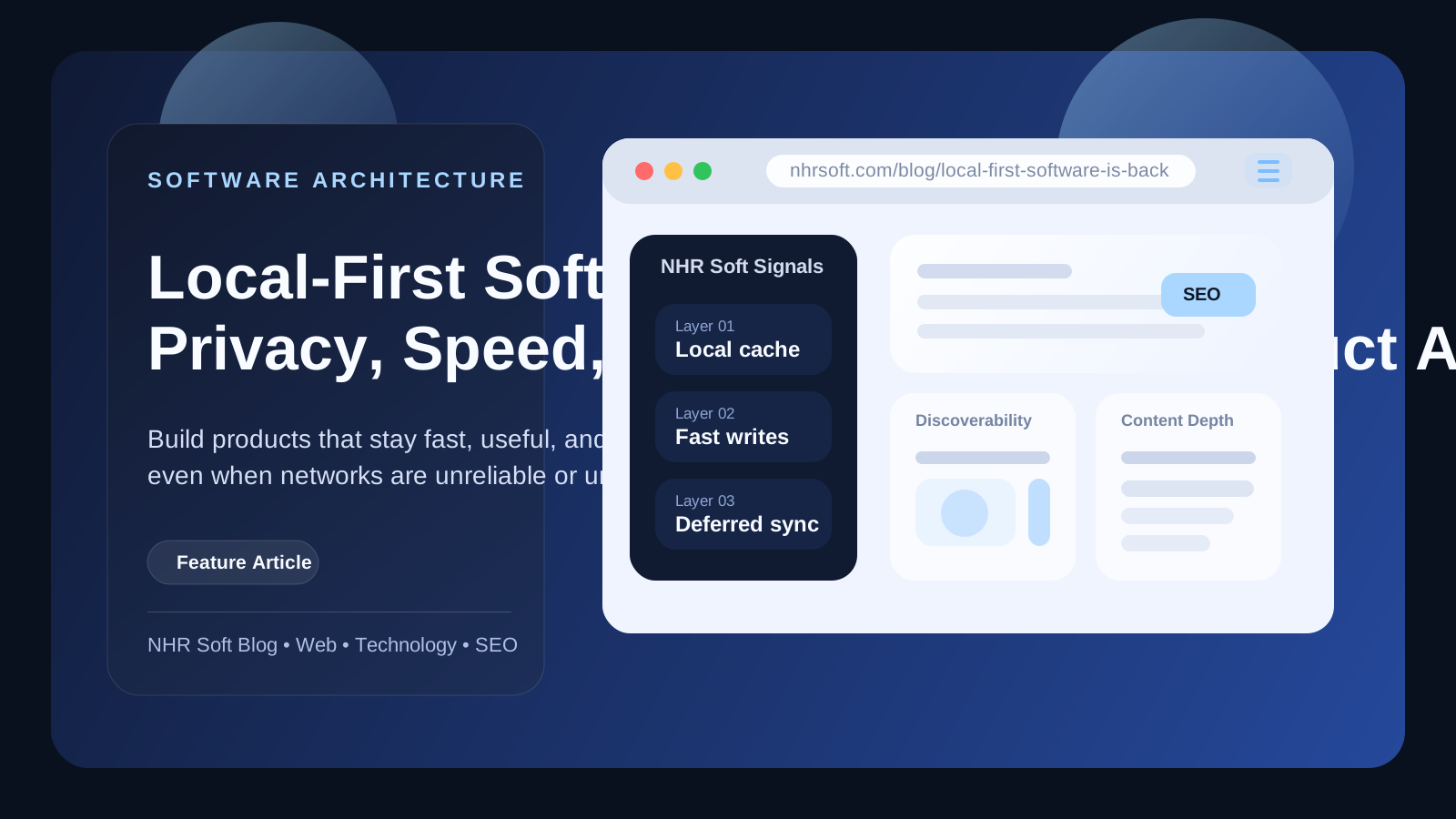
Local-first does not mean putting every byte into one browser storage object. It requires deliberate layers.
- Local database or storage: holds the data required for the primary workflow.
- Immediate UI updates: apply the user's action locally before waiting for the network.
- Sync queue: records changes that need to reach a server or another device.
- Conflict policy: defines what happens when two devices edit the same information.
- Backup and export: gives the user a recovery path independent of the live application.
- Encryption and access control: protects sensitive local and synchronized data.
- Capability detection: adjusts the experience for browser, storage, and device limits.
For simple extensions, this might be Chrome storage plus export and optional account sync. For richer web applications, it may involve IndexedDB, a service worker, a local operation log, and a synchronization service.
Sync is the difficult part
A single-device local app is relatively straightforward. Multi-device synchronization introduces identity, ordering, conflicts, deletion rules, and security. Teams should choose the simplest model that matches the product.
Some applications can use a last-write policy with a visible activity history. Others need field-level merges, record locks, or conflict-free replicated data types. Regulated systems may require a central authoritative record even if the interface supports offline work.
The key is to design conflict behavior before launch. "We will solve sync later" often leads to lost data or confusing duplicates.
What should stay local, and what belongs in the cloud?
Good local candidates include preferences, recent activity, drafts, caches, lightweight indexes, personal notes, timers, and reversible page transformations. Good cloud candidates include team collaboration, managed backups, large shared data sets, organization-wide permissions, billing, compliance logging, and compute that exceeds the device.
Some data needs both: a responsive local copy and a secure central record. The architecture should identify the system of record and the user's expectations for each data type.
Local-first can support a sustainable business model
A product does not need to collect user data to earn revenue. Paid value can come from:
- Cross-device encrypted synchronization.
- Team spaces, permissions, and administration.
- Larger storage or history limits.
- Advanced processing and managed AI.
- Priority support and organization deployment.
- Professional setup, customization, and integration.
This model lets the free or basic product demonstrate value quickly while reserving genuinely costly or collaborative capabilities for paid plans.
Where local-first fits NHR Soft
NHR Soft's lightweight tools are naturally aligned with local-first principles. An alarm, calculator, reading preference, page control, or selected research note should respond instantly. Many of these features do not need a remote round trip to be useful.
For larger business systems, the same principle can improve resilience without replacing centralized governance. A warehouse interface can capture a count offline and synchronize when the connection returns. A field team can continue a checklist and submit it later. A dashboard can cache the most recent approved data while clearly showing its timestamp.
Questions to answer before choosing local-first
- What is the smallest useful workflow that must survive without the network?
- Which data is authoritative, and where does it live?
- How will the product detect and resolve conflicting edits?
- What happens when local storage is cleared or a device is lost?
- Can the user export data in a practical format?
- Which features genuinely require a server?
- How will privacy statements match the real data flow?
Local-first software is not a rejection of SaaS. It is a correction to the idea that every interaction must depend on a server. The strongest products will combine instant local value with optional network capabilities that are easy to understand.
Frequently Asked Questions
Is local-first the same as offline-first?
They overlap, but local-first places stronger emphasis on user control, local data, responsiveness, and long-term ownership. Offline-first often focuses mainly on keeping a web app usable during connectivity loss.
Is local storage secure enough for sensitive information?
It depends on the platform, threat model, encryption, device security, and data type. Sensitive business or personal data needs a formal security design rather than an assumption that "local" automatically means safe.
Can local-first software support teams?
Yes, but synchronization and access control become core product features. Teams need clear conflict handling, auditability, identity, revocation, and backup.
Sources and further reading
- Kleppmann et al. - Local-First Software: You Own Your Data, in spite of the Cloud
- Ink & Switch - Local-first software
- web.dev - Progressive Web Apps
- Chrome for Developers - chrome.storage API
- NHR Soft - The NHR Soft Open Source Philosophy
Public Discussion
Name and Comment
Share your thoughts on this article. Your name and comment will be published right away on the page.
Published Comments
0
Start the conversation
No comments yet. Be the first person to leave a public note on this article.