Building a Chrome Extension with WebAssembly: Our Architecture Deep Dive
A detailed look at NHR Soft’s Chrome extension architecture using React, JavaScript bridge layers, and Rust-powered WebAssembly for faster in-browser processing.
Published
July 18, 2026
Reading Time
4 min read
Article Size
660+ words
Social Tags
Share This Article
Article Overview
This article is part of the NHR Soft knowledge base and is structured to help readers understand the topic quickly, review practical steps, and share product or engineering insights with confidence.
Most Chrome extensions are thin JavaScript wrappers around browser APIs. That's fine for simple tasks. But when your extension needs to process large documents, run NLP pipelines, or handle real-time data streams, JavaScript's single-threaded execution model becomes a bottleneck.
Why WebAssembly?
WebAssembly (Wasm) executes at near-native speed inside the browser sandbox. It runs in a separate memory space, doesn't block the main thread, and can be called from JavaScript as a module. For our Chrome Extension, it meant we could ship a production-grade V8 Core Engine that processes documents in milliseconds rather than seconds.
The Three-Layer Architecture
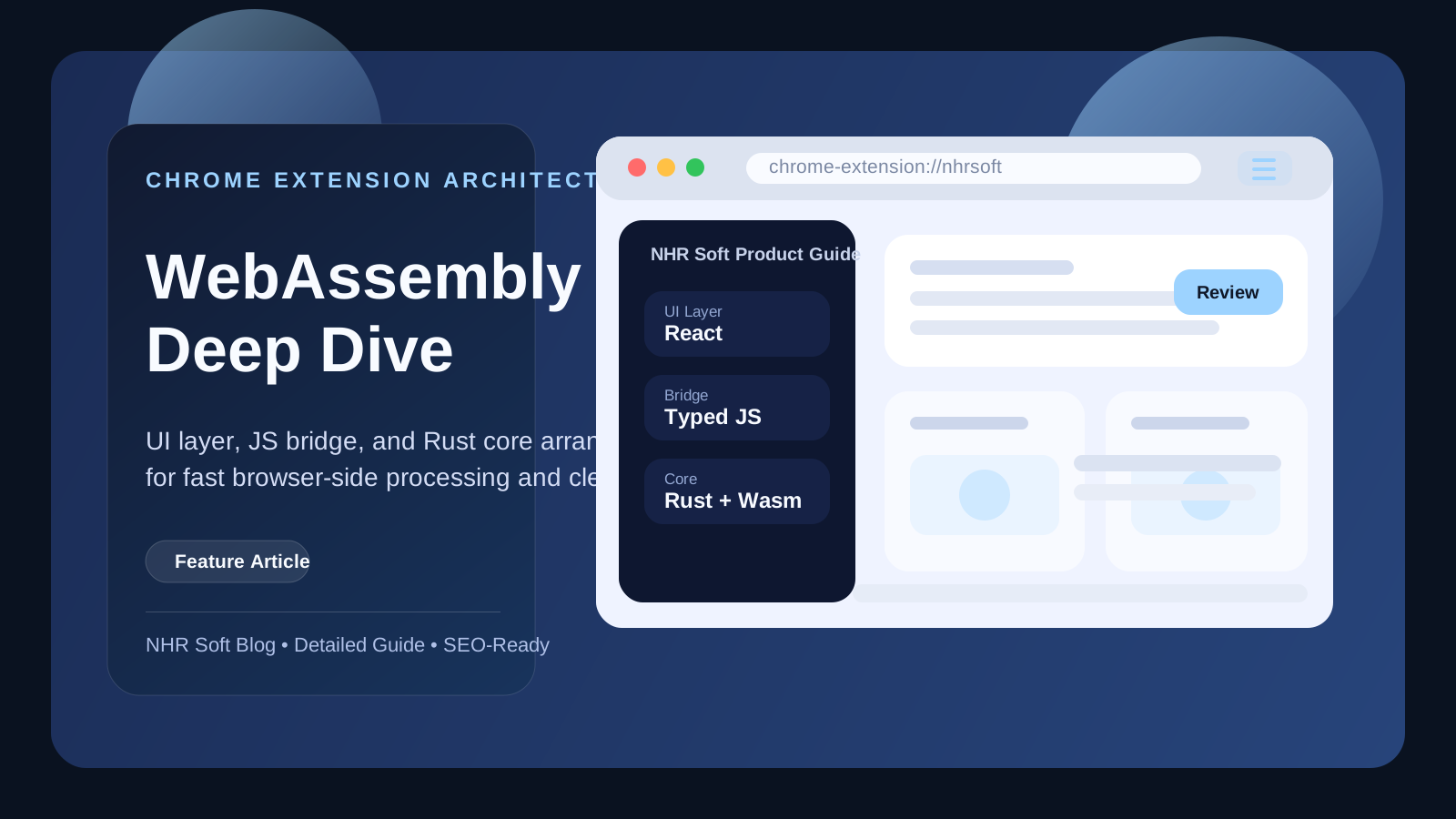
We structured the extension into three distinct layers:
┌─────────────────────────────────────────┐
│  UI Layer (React + Tailwind)            │
├─────────────────────────────────────────┤
│  Bridge Layer (JS ↔ Wasm messaging)     │
├─────────────────────────────────────────┤
│  Core Engine (Rust → Wasm)             │
└─────────────────────────────────────────┘
The UI Layer is a standard React app running in the sidebar panel. It handles user interaction, renders results, and communicates with the bridge.
The Bridge Layer is a thin JavaScript module that marshals data between the React UI and the Wasm module. It handles serialisation, memory allocation, and error handling.
The Core Engine is written in Rust and compiled to WebAssembly using wasm-bindgen. It handles document parsing, content extraction, and the documentation generation pipeline.
Build Pipeline
Our build pipeline compiles the Rust code with wasm-pack, which produces an optimised Wasm binary and the corresponding JS bindings. The output is bundled with esbuild — not webpack — because esbuild's speed makes the iteration loop dramatically shorter during development.
Switching from webpack to esbuild cut our extension build time from 18 seconds to under 2 seconds. That's not a small win — it's a different development experience.
Key Lessons
- Keep the Wasm module focused on pure computation — no DOM access, no browser APIs
- Use SharedArrayBuffer for high-throughput data if the extension runs in a secure context
- Profile with Chrome DevTools' Wasm profiling support before assuming Wasm is always faster than JS for small inputs
The full architecture ships in our Chrome Extension v2.4. If you're building a performance-critical browser extension, this pattern gives you both the reach of web technologies and the speed of native code.
Why the architecture matters
Many teams add WebAssembly to a browser product only after performance becomes painful. We prefer to decide earlier which logic belongs in UI code and which logic belongs in a compute layer. That separation protects maintainability. Our browser UI stays easy to iterate on, while expensive parsing, extraction, and transformation work remains isolated in a module designed for speed and testability.
How the data moves
In practice, a user action begins in the extension UI, which sends a request to the bridge layer. The bridge validates payload shape, allocates memory for the Wasm module if needed, and converts raw results back into a form the UI can render. We deliberately keep the protocol narrow. Fewer message shapes mean fewer bugs and easier debugging.
Operational lessons from production use
- Keep your WebAssembly module versioned and traceable so UI regressions can be mapped to core-engine changes.
- Do not let business rules drift across JS and Wasm layers; choose one source of truth.
- Expose meaningful error messages at the bridge layer, because raw Wasm failures are too opaque for users.
- Measure bundle weight and startup cost, not only execution speed after initialization.
SEO and product discovery angle
Articles like this also help product discovery because they explain what makes an NHR Soft browser tool different. Users searching for terms such as Chrome extension architecture, WebAssembly extension performance, or Rust in browser extensions are often looking for proof of engineering depth, not just marketing copy. Detailed technical writing gives them that confidence.
FAQ
Does WebAssembly replace JavaScript in our extension?
No. JavaScript still handles browser APIs, UI orchestration, and extension lifecycle concerns.
Is Wasm always faster?
No. For tiny tasks, the setup overhead can outweigh gains. It shines when the workload is complex enough to justify its execution model.
Would we use the same pattern again?
Yes, especially for extensions that process structured input, run repeated transforms, or need consistent response times.
Public Discussion
Name and Comment
Share your thoughts on this article. Your name and comment will be published right away on the page.
Published Comments
0
Start the conversation
No comments yet. Be the first person to leave a public note on this article.