Rebuild closed sessions
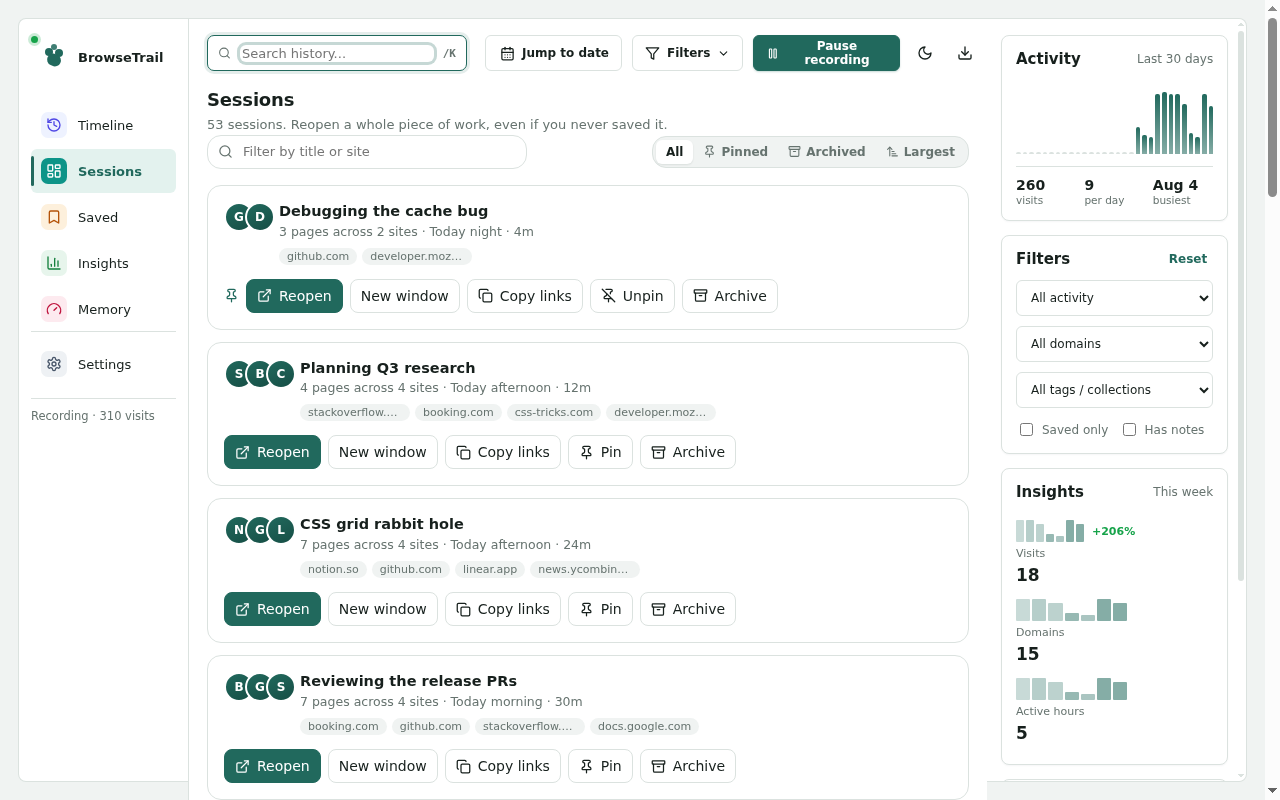
BrowseTrail groups visits into sessions so users can find a piece of work later and reopen the useful pages together.
 Private Chrome history manager
Rebuild closed research sessions from Chrome history, search across visits, save important pages, add notes, and keep browsing metadata local to your own device.
Local
IndexedDB
Sessions
rebuilt
No
analytics
BrowseTrail groups visits into sessions so users can find a piece of work later and reopen the useful pages together.
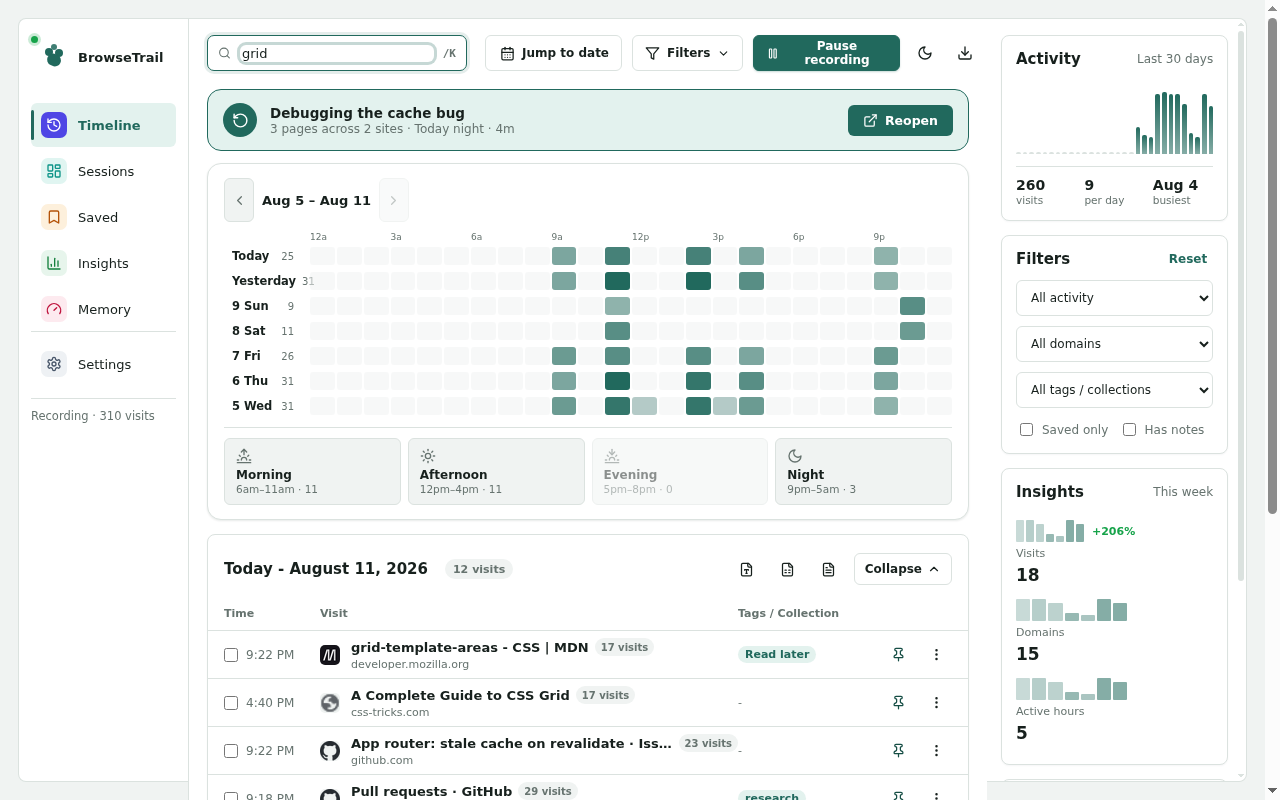
Search by title, URL, domain, tag, note, collection, date, saved state, and archive state without sending queries anywhere.
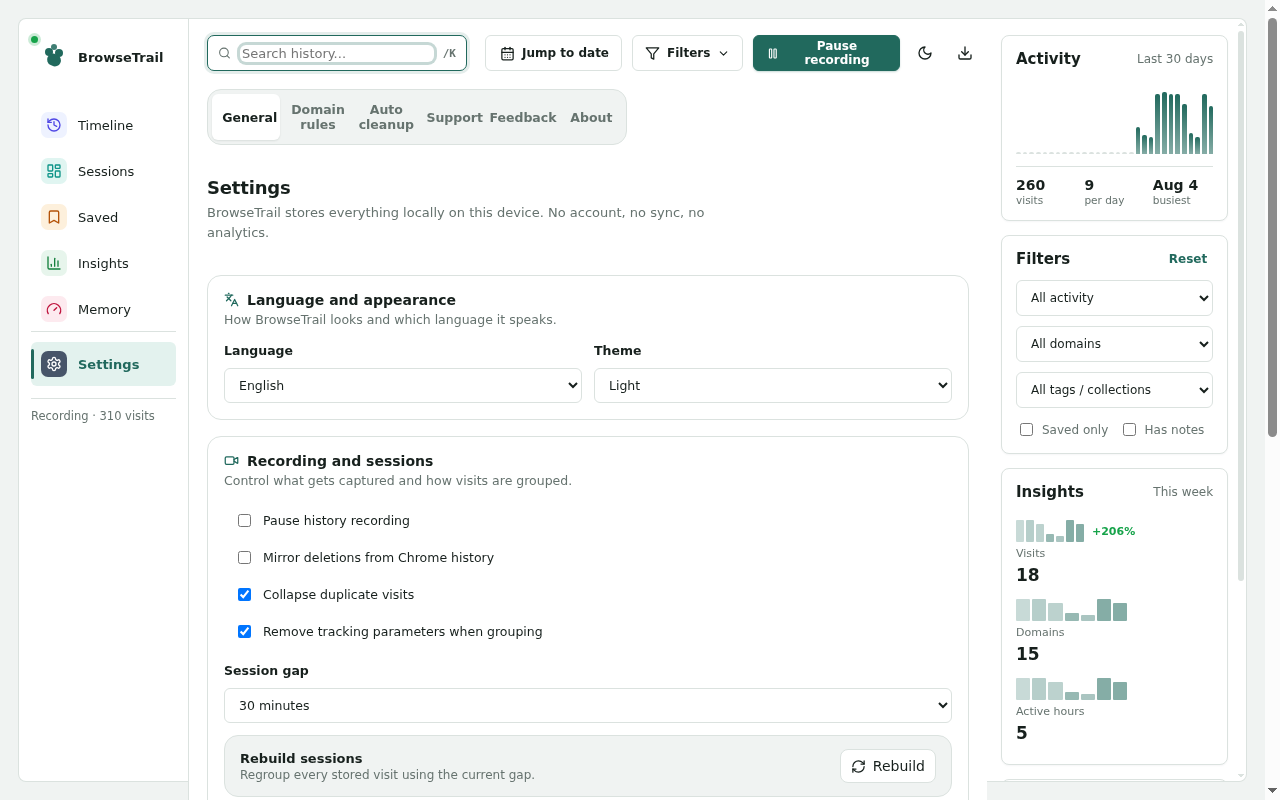
Pin pages, add notes, group visits into collections, export reports, and choose retention rules from the extension settings.
Why BrowseTrail exists
Browser history remembers individual visits. BrowseTrail turns those visits into a clearer trail: sessions, saved pages, notes, tags, collections, filters, and exports. It is designed for people who regularly research, compare, troubleshoot, learn, shop, write, or work across many tabs.
The goal is simple: help users answer "where was that page?" without sending their browsing life to another server.
Recover a previous work trail by seeing nearby visits grouped together, then reopen the pages that still matter.
Save pages with notes, tags, and collections when a bookmark is too broad and a browser tab is too temporary.
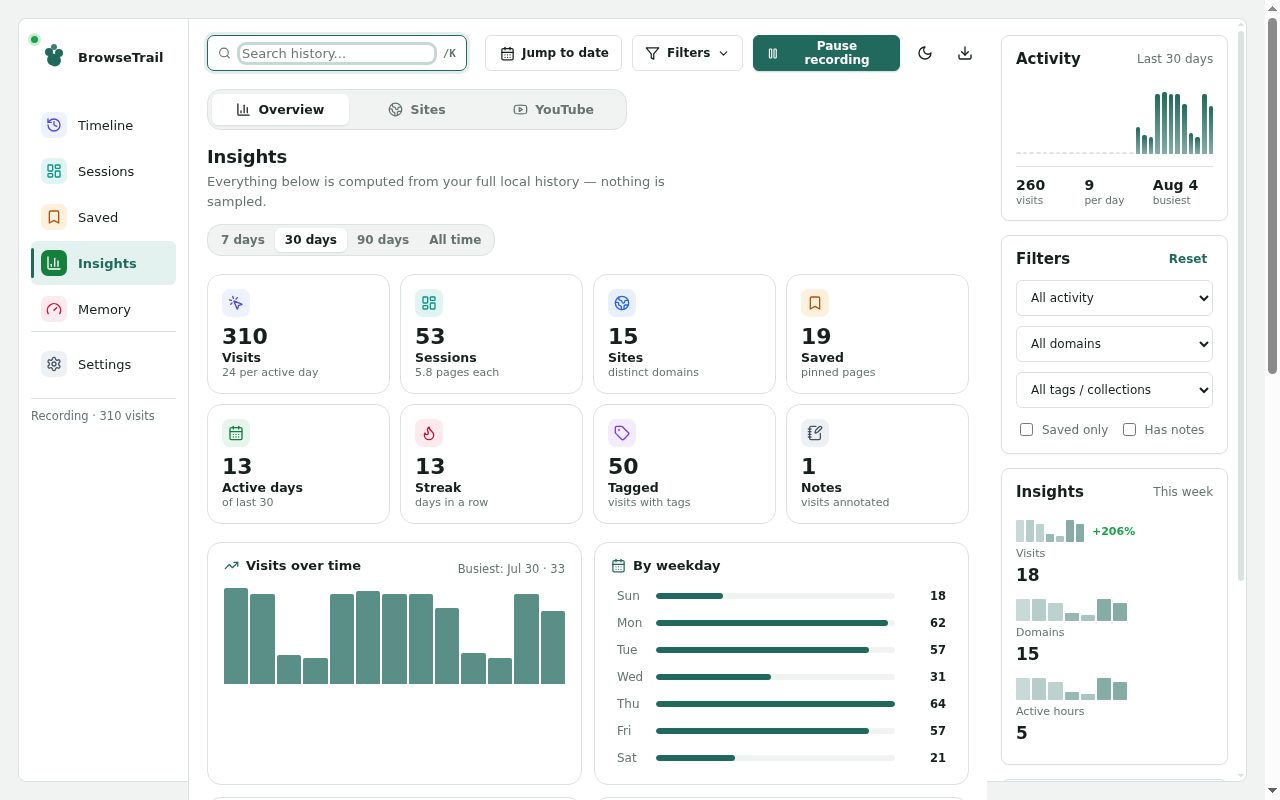
Use activity maps, visit totals, domain breakdowns, and date filters to understand where time went.
Generate JSON, CSV, and HTML reports locally for backup, review, or documentation workflows.
How it works
BrowseTrail keeps the workflow intentionally plain so users can use it every day without turning history management into another project.
1
Bring Chrome history metadata into local IndexedDB.
2
Group nearby visits into useful session trails.
3
Filter by text, domain, dates, saved state, tags, and notes.
4
Keep important visits in collections with context.
5
Export, archive, delete, or apply retention cleanup locally.
Store screenshots
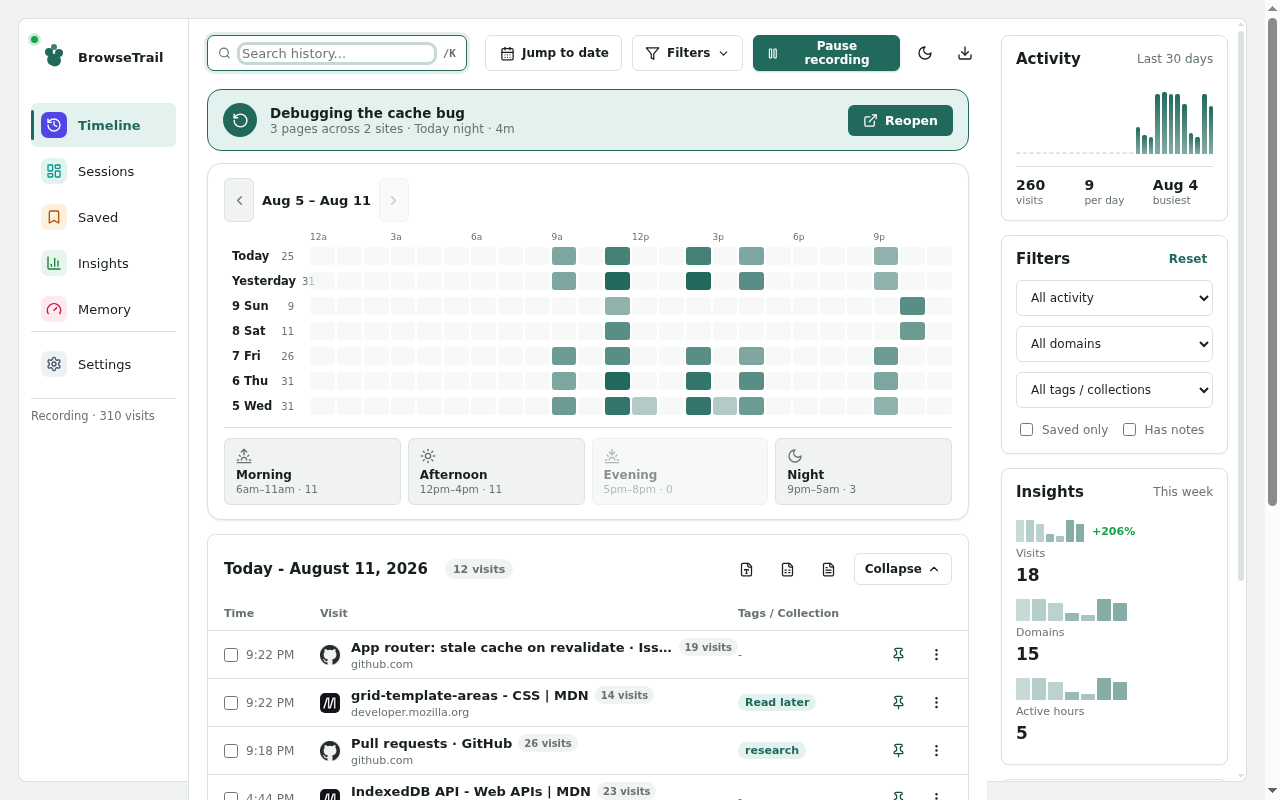
These screenshots show the timeline, session reconstruction, search, insights, and privacy controls from the seeded store capture set.
Demo video
The demo walks through local history import, timeline scanning, session rebuild, search, insights, saved pages, and privacy settings.
play_circle Open YouTube demoPrivacy by construction
BrowseTrail stores Chrome history metadata in local IndexedDB only. It does not read page contents, inject content scripts, request host permissions, load remote code, or send history data to NHR Soft.
Visits, sessions, tags, notes, collections, and settings stay on the user device.
The extension uses history, storage, and alarms for local history organization and retention cleanup.
Users can delete visits, clear extension data, set retention periods, or uninstall the extension.
JSON, CSV, and HTML exports are generated by the browser and saved wherever the user chooses.