CalmBrowser
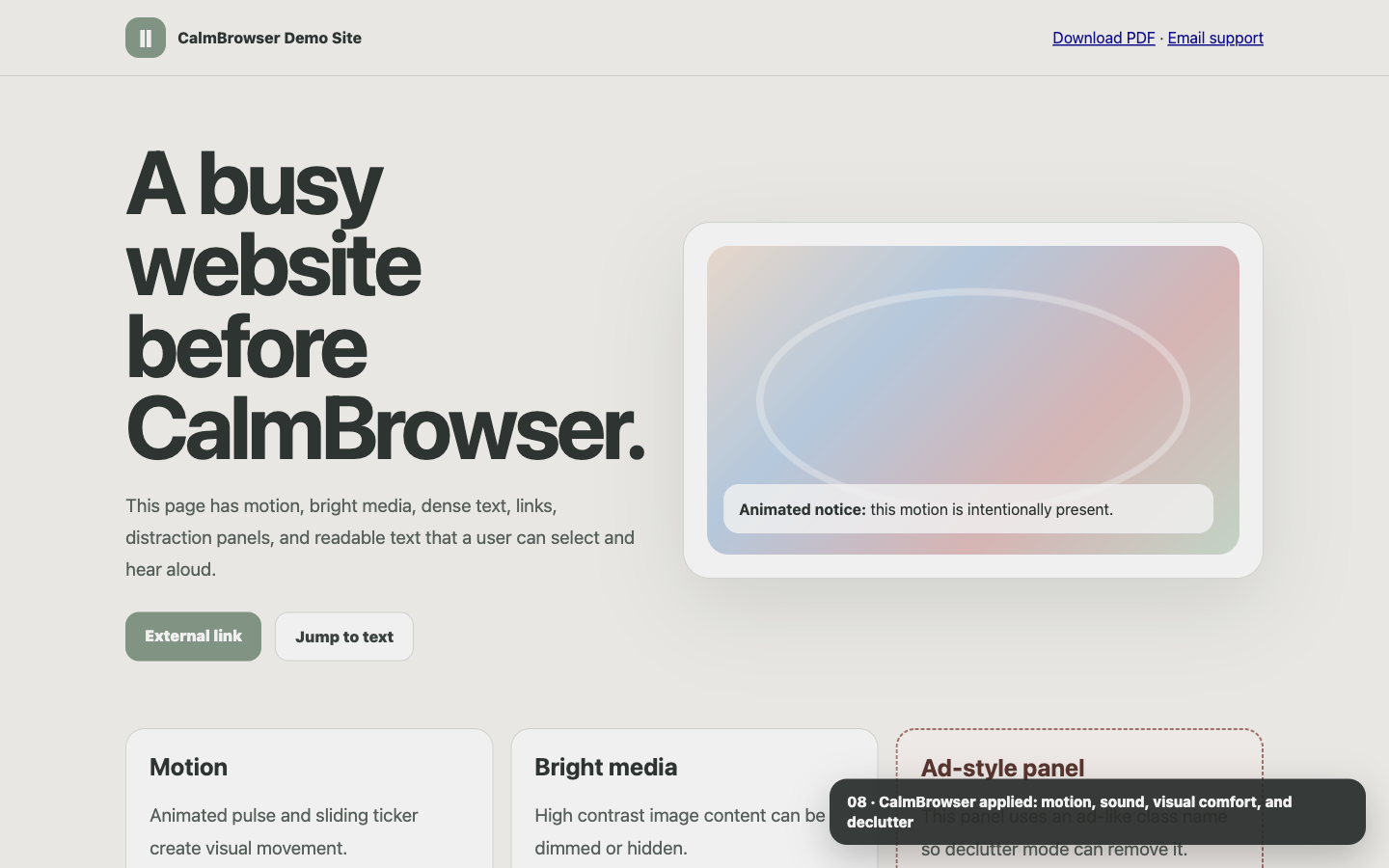
An autism-friendly Chrome extension that helps autistic, neurodivergent, ADHD, and sensory-sensitive users make websites calmer. Pause motion, mute sound, soften visuals, declutter pages, focus reading, select text to listen aloud, and save comfort settings per website.
Price
Free
Access
Digital
Key Features
- check_circle Autism-friendly controls for motion, sound, brightness, images, clutter, focus, and reading comfort
- check_circle Pause CSS animations, transitions, smooth scrolling, and animated GIFs
- check_circle Block autoplay before interaction and keep media muted when requested
- check_circle Soften colors, dim bright or flashing media, and hide images without layout jumps
- check_circle Select website text and listen aloud with browser voice, speed, and pitch controls
- check_circle Hide distractions, remove chosen page elements, spotlight one section, and show predictable link hints
- check_circle Remember settings per website, with optional global defaults and a one-press Too much calm preset
Built for individual sensory profiles
CalmBrowser is not a medical tool and does not try to define one autism mode. It gives autistic and sensory-sensitive users practical controls that can be adjusted independently and reversed at any time.
- arrow_right_alt Sliders for color softening, brightness dimming, text size, line spacing, and letter spacing
- arrow_right_alt Per-site settings saved locally in Chrome storage
- arrow_right_alt A temporary calm mode that restores the previous state when turned off
Reading and audio support
When text feels tiring, users can select words on a website and press the audio control to listen using the browser speech engine.
- arrow_right_alt Choose a voice where Chrome and the operating system provide one
- arrow_right_alt Adjust speed and pitch for a more comfortable listening pace
- arrow_right_alt Stop reading from the same popup control without leaving the page
Less overload on busy websites
CalmBrowser can reduce the sensory load that often comes from moving banners, autoplaying media, bright visual areas, popups, and dense page layouts.
- arrow_right_alt Motion, autoplay, mute, dimming, and image controls work separately
- arrow_right_alt Focus mode and reading ruler help keep attention on one area
- arrow_right_alt Picked elements can be hidden and restored from the popup
Privacy-first by default
The extension changes how pages look and sound. It does not collect browsing history, send analytics, or use remote code.
- arrow_right_alt No accounts or sign-in
- arrow_right_alt No fetch or XMLHttpRequest calls in runtime code
- arrow_right_alt No analytics, telemetry, tracking, or selling user data