activeTab
Allows temporary access to the page the user chooses to analyze.
Website Detector Policy
Website Detector performs all analysis locally inside the browser. It does not send page data to a server, does not collect analytics, and stores saved results only on the user's device.

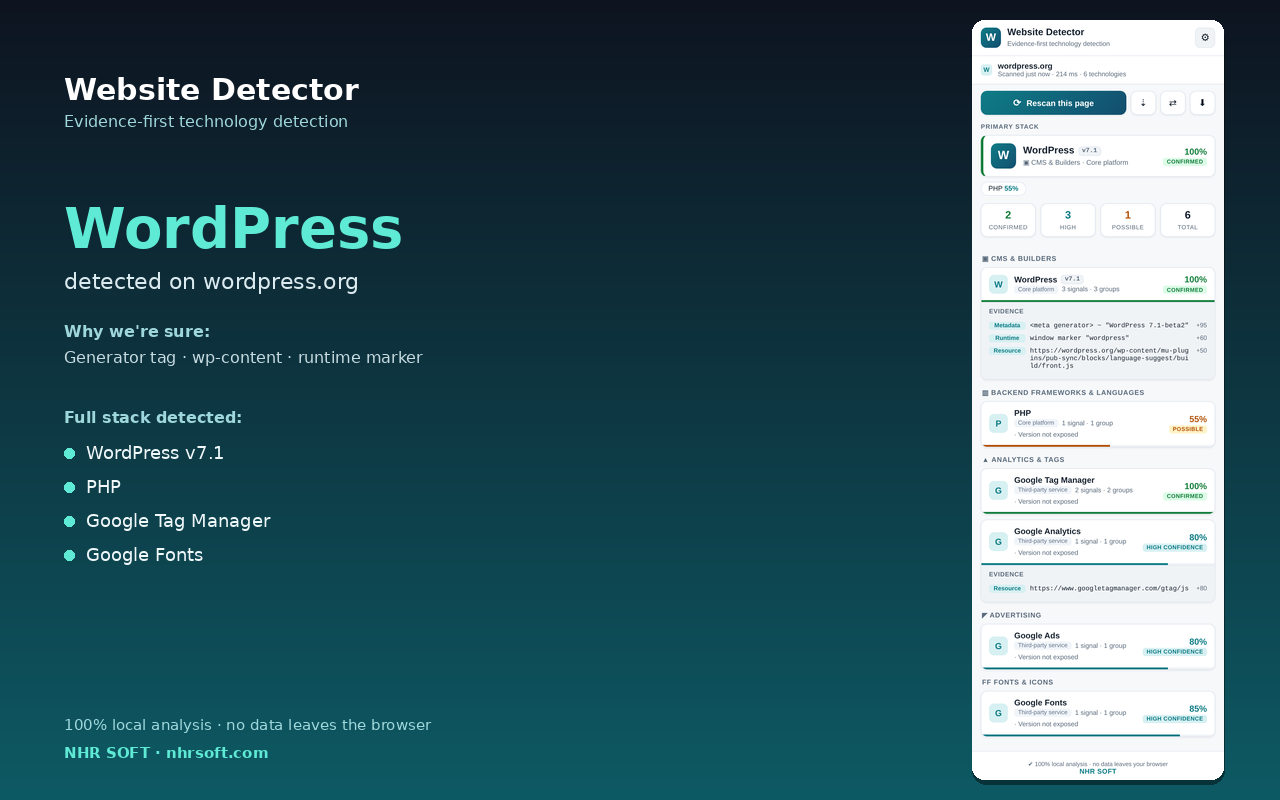
Website Detector analyzes the page you explicitly choose to scan and looks for technology signals such as metadata, DOM markers, resource paths, cookie names, and runtime fingerprints. The analysis runs entirely on your device.
Preferences and saved results are stored using Chrome local storage only. Saved results may include technology names, confidence levels, and sanitized evidence strings with query strings removed.
Allows temporary access to the page the user chooses to analyze.
Runs the local read-only collector on the page to gather technology signals.
Saves user preferences and explicitly saved scan results on-device.
Displays scan results inside the Chrome side panel.
Can be granted by the user for repeat scans on chosen sites without clicking the extension icon each time.
If the policy changes, an updated version will be published here with a new effective date.