How to Install PromptPin on Chrome for Faster Prompt Management
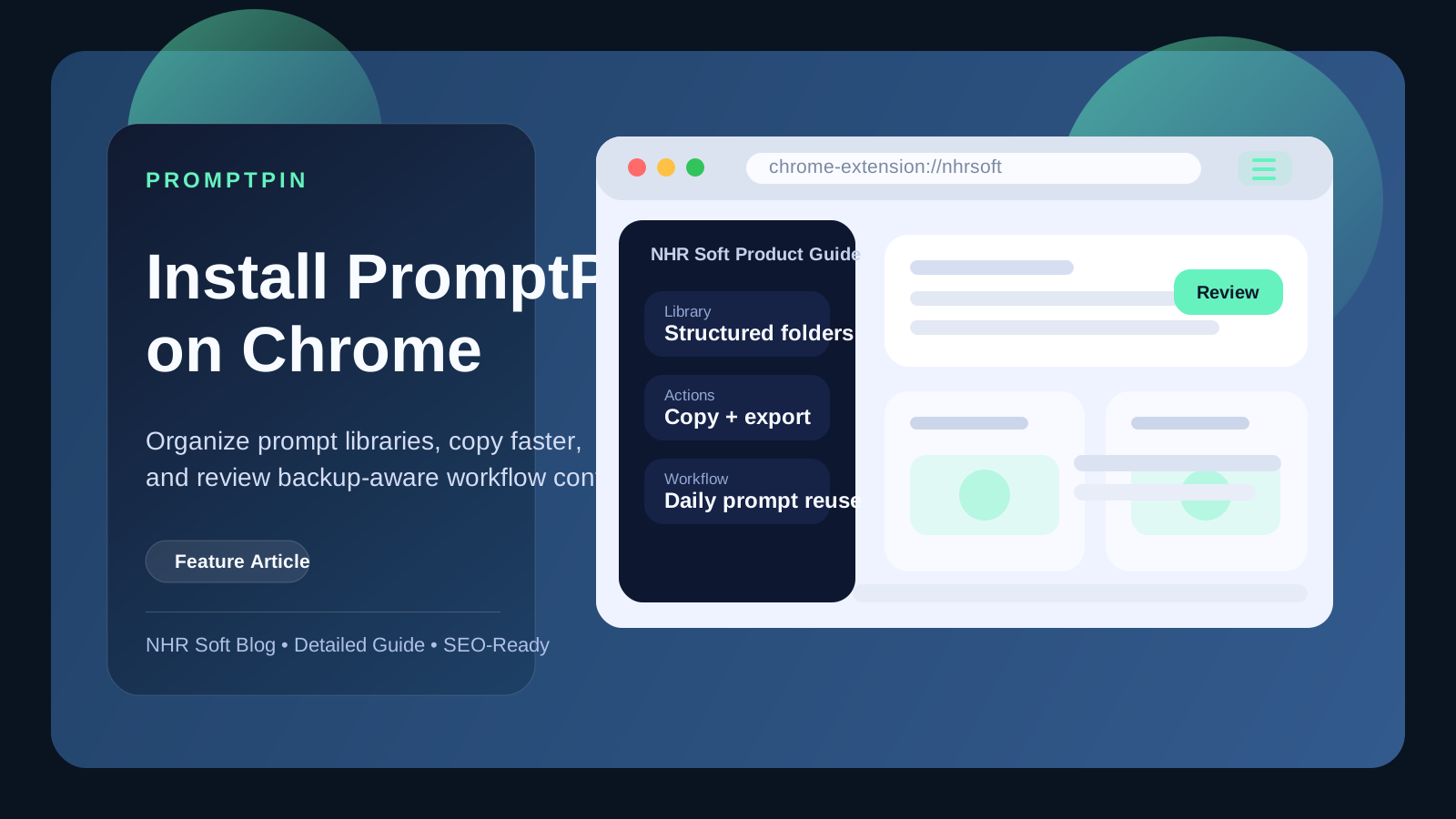
Learn how to install PromptPin on Chrome, organize reusable AI prompts, review backup and privacy guidance, and set up a faster prompt workflow for daily work.
Published
July 25, 2026
Reading Time
2 min read
Article Size
367+ words
Social Tags
Share This Article
Article Overview
This article is part of the NHR Soft knowledge base and is structured to help readers understand the topic quickly, review practical steps, and share product or engineering insights with confidence.
PromptPin is designed for people who work with AI prompts every day and need quick reuse, clear organization, and backup control.
How to install PromptPin
- Go to the PromptPin product pages at nhrsoft.com/promptpin or nhrsoft.com/products/promptpin.
- Review the feature summary and privacy details.
- Use the product action button to open the install or product access flow.
- Pin PromptPin in Chrome so your prompt library is always one click away.
Why users install PromptPin
- save frequently used prompts in named sections
- copy prompts quickly without opening a long document
- export selected items instead of your full library
- keep backup control through the product's local-first design
Before you use backup features
Check the PromptPin privacy policy first so you understand how local storage and encrypted backup are intended to work. If you are evaluating the product from search results, the main catalog page at NHR Soft Products is also a good starting point.
Why PromptPin matters for AI-heavy workflows
Prompt work becomes chaotic quickly when useful instructions live across chats, documents, sticky notes, and screenshots. PromptPin helps centralize that knowledge into something easier to search, copy, and maintain. For users who work with writing assistants, coding assistants, research prompts, or reusable client workflows, that organization saves real time every day.
Suggested setup after installation
- Create a small set of folders or collections such as writing, coding, outreach, and research.
- Add your most frequently reused prompts first instead of trying to migrate everything on day one.
- Use descriptive names so future search and reuse become faster.
- Review backup and export controls before storing sensitive or client-facing prompt material.
Best practices for prompt libraries
- Keep one prompt per purpose instead of cramming multiple goals into one block.
- Add short notes about where each prompt performs best.
- Archive outdated prompt versions rather than deleting ideas you may revisit later.
- Review privacy guidance before syncing or exporting shared material.
FAQ
Is PromptPin only for power users?
No. It is especially helpful for anyone who repeats similar prompt tasks and wants less copy-paste friction.
Should I review privacy before storing prompt libraries?
Yes. Understanding local storage and backup behavior is important before you depend on any prompt tool long term.
Public Discussion
Name and Comment
Share your thoughts on this article. Your name and comment will be published right away on the page.
Published Comments
0
Start the conversation
No comments yet. Be the first person to leave a public note on this article.