Organized prompt library
Keep reusable prompts in sections with search, tags, pinning, quick copy, edit history, and focused prompt detail screens.
Chrome Extension
A private prompt library for people who reuse serious AI workflows. Save prompts, sort them into sections, export only what you choose, and back up encrypted copies to your own Google Drive profile.
Scoped
exports
AES
backup
Drive
app data
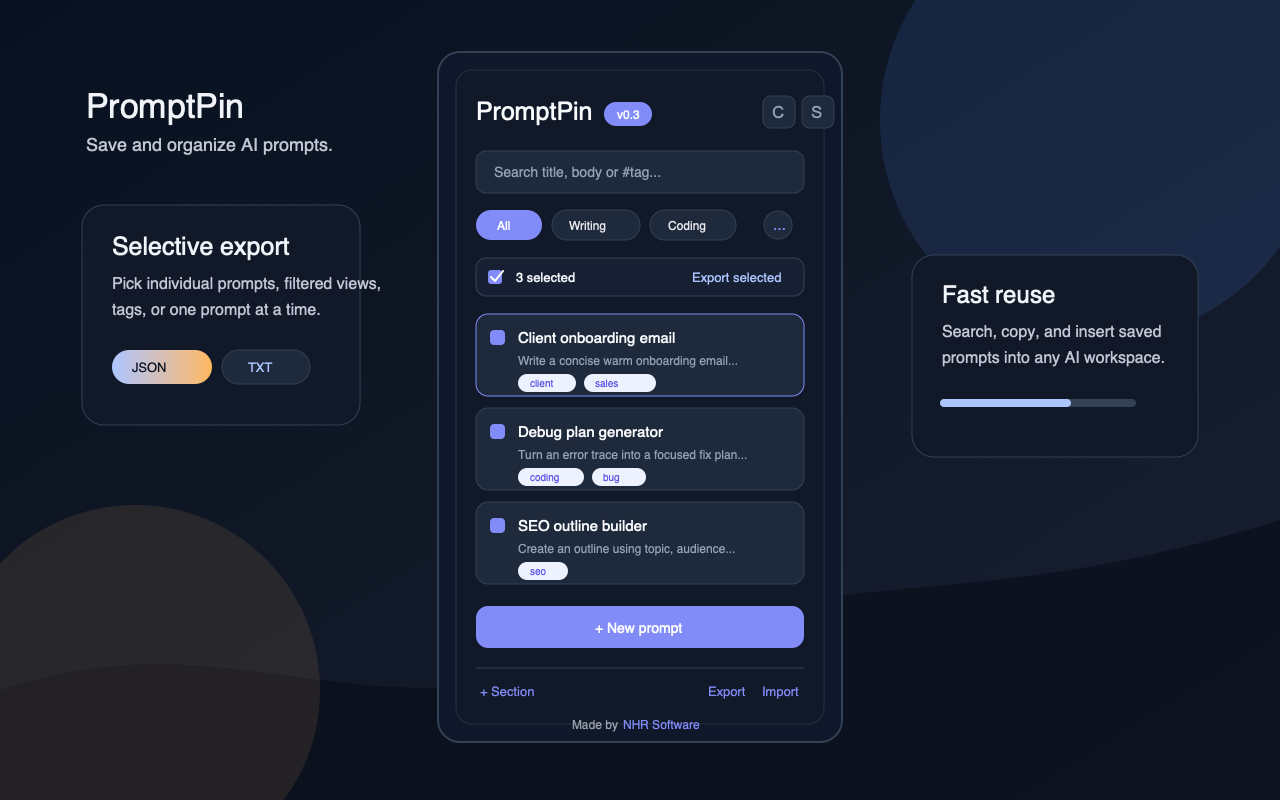
Keep reusable prompts in sections with search, tags, pinning, quick copy, edit history, and focused prompt detail screens.
Export the current view, selected prompts, one prompt, a tag group, or the full library in importable JSON or readable text.
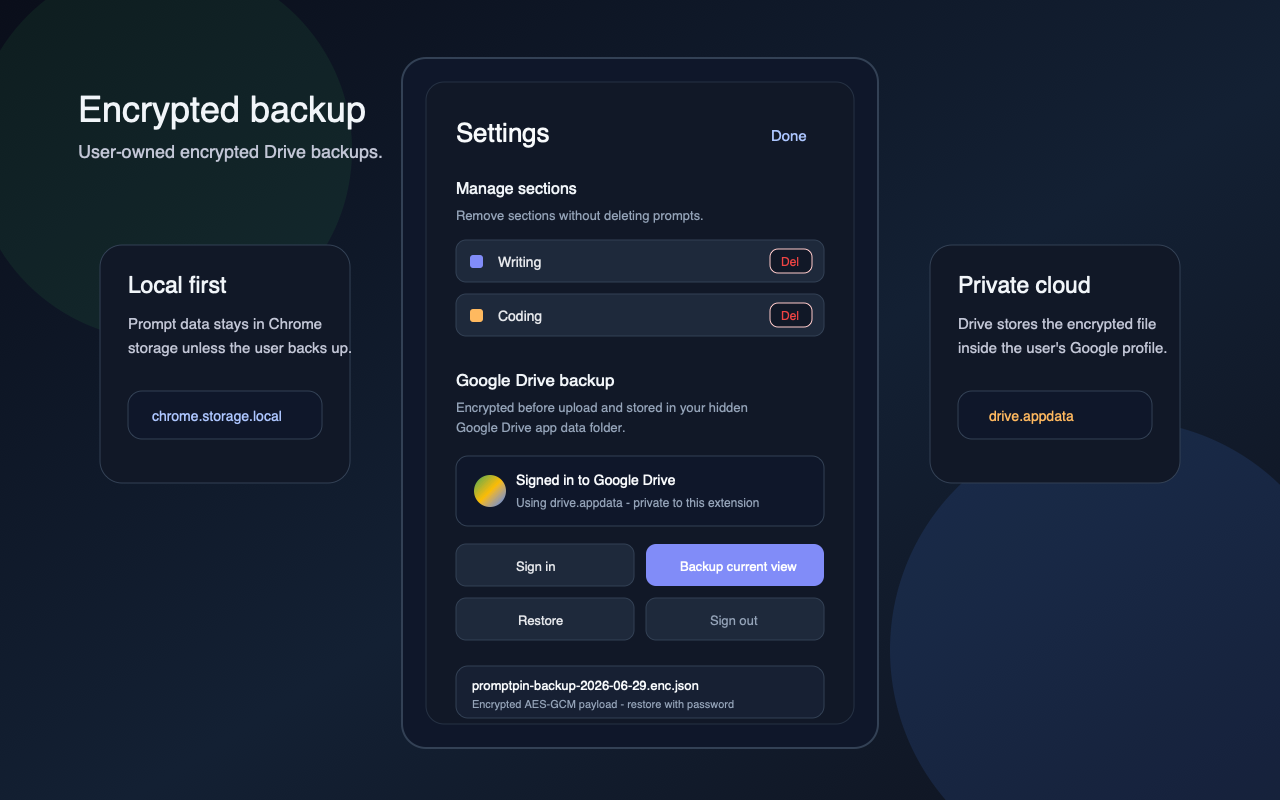
Backups are encrypted locally before upload and stored in the hidden Google Drive app data folder for the signed-in user.
App Screenshots
These screenshot assets are prepared for the product page and Chrome Web Store listing dimensions.
Privacy Model
PromptPin has no NHR Soft cloud account. Prompt data is stored locally in Chrome. Google sign-in is used only when the user chooses Drive backup or restore.
Prompts, sections, tags, and preferences live in Chrome extension storage on the user's device.
Users can back up or download selected data instead of exposing an entire prompt archive.
Backups use Google's app-specific storage scope and are not placed in the visible Drive file list.
The backup payload is encrypted before upload. The restore password is required to decrypt it.
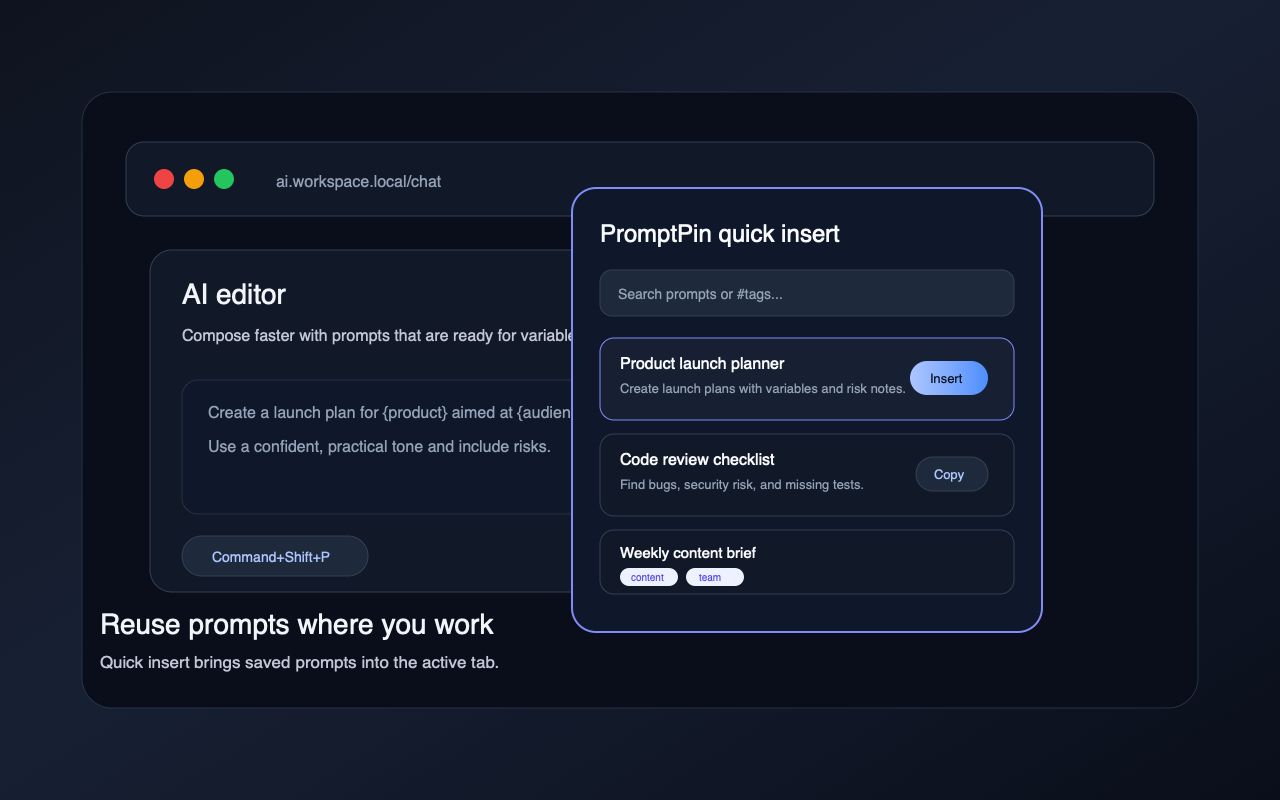
Use PromptPin to save reusable prompts locally, export only selected data, and restore encrypted backups from your own Google Drive profile.