How to Install Website Detector on Chrome for Stack Research
A complete Website Detector Chrome installation guide with setup steps, stack-analysis workflow, evidence review tips, and direct privacy and support references.
Published
July 26, 2026
Reading Time
2 min read
Article Size
376+ words
Social Tags
Share This Article
Article Overview
This article is part of the NHR Soft knowledge base and is structured to help readers understand the topic quickly, review practical steps, and share product or engineering insights with confidence.
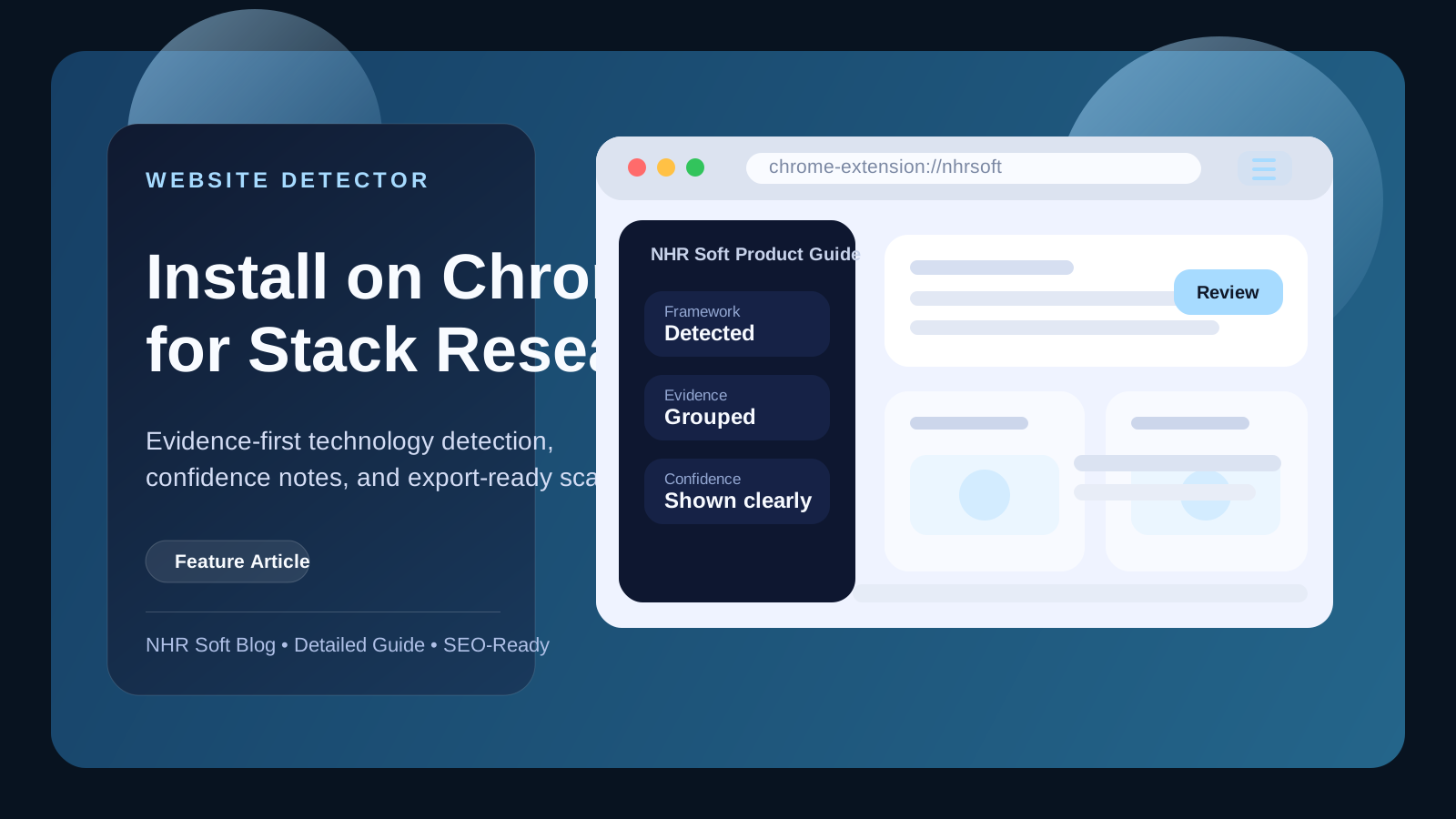
Website Detector helps developers, researchers, and sales teams understand what powers a website. Instead of guessing from one script tag, it groups evidence and confidence levels into a clearer result.
Install Website Detector
- Open the Website Detector landing page.
- Read the overview so you know the tool runs local analysis rather than remote scanning.
- Open the product detail page at nhrsoft.com/products/website-detector if you want the full screenshot set.
- Install the extension and pin it for quick access in Chrome.
How to use it after install
- visit a website you want to inspect
- open Website Detector from the Chrome toolbar
- run a scan and review the primary stack plus evidence groups
- save or export results if you need research notes
Support and privacy
If you need help understanding results or reporting a detection problem, use the support page. For data and permission questions, review the privacy policy.
What Website Detector helps you do
Website Detector is useful when you need a quick understanding of the technologies behind a site without relying on guesswork. Developers use it for research, agencies use it for discovery, sales teams use it for prospecting, and product teams use it to understand competitor stacks. The most important detail is that good detection should explain why it believes a technology is present, not just throw a label onto the page.
Recommended first workflow
- Install and pin the extension.
- Open a website you want to inspect.
- Run the scan and review the primary technologies first.
- Check the evidence groups or confidence notes before saving the result as fact.
- Use the product support page if you believe a detection is incorrect or incomplete.
How to get better results
- Analyze the live page after it has fully loaded.
- Compare evidence across scripts, markup, patterns, and network-facing indicators when available.
- Treat low-confidence detections as leads, not final truth.
- Use exported notes to keep your research organized across multiple sites.
FAQ
Does Website Detector scan a site remotely on its own?
Review the product and privacy pages for the exact data-handling model, but the workflow is designed around clearer, evidence-first analysis rather than black-box guessing.
Who benefits most from this extension?
Developers, researchers, sales teams, agencies, and technical evaluators who need quicker stack visibility inside Chrome.
Public Discussion
Name and Comment
Share your thoughts on this article. Your name and comment will be published right away on the page.
Published Comments
0
Start the conversation
No comments yet. Be the first person to leave a public note on this article.