Highlight websites and PDFs
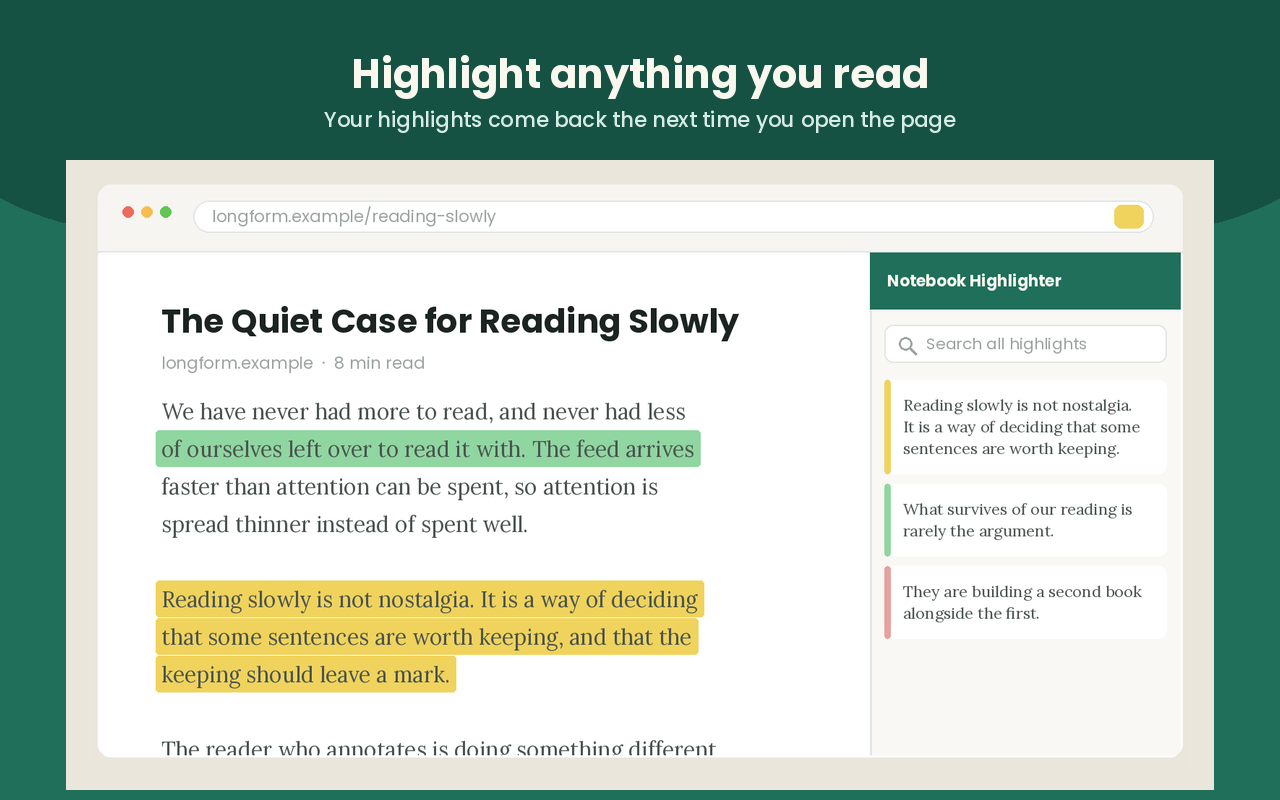
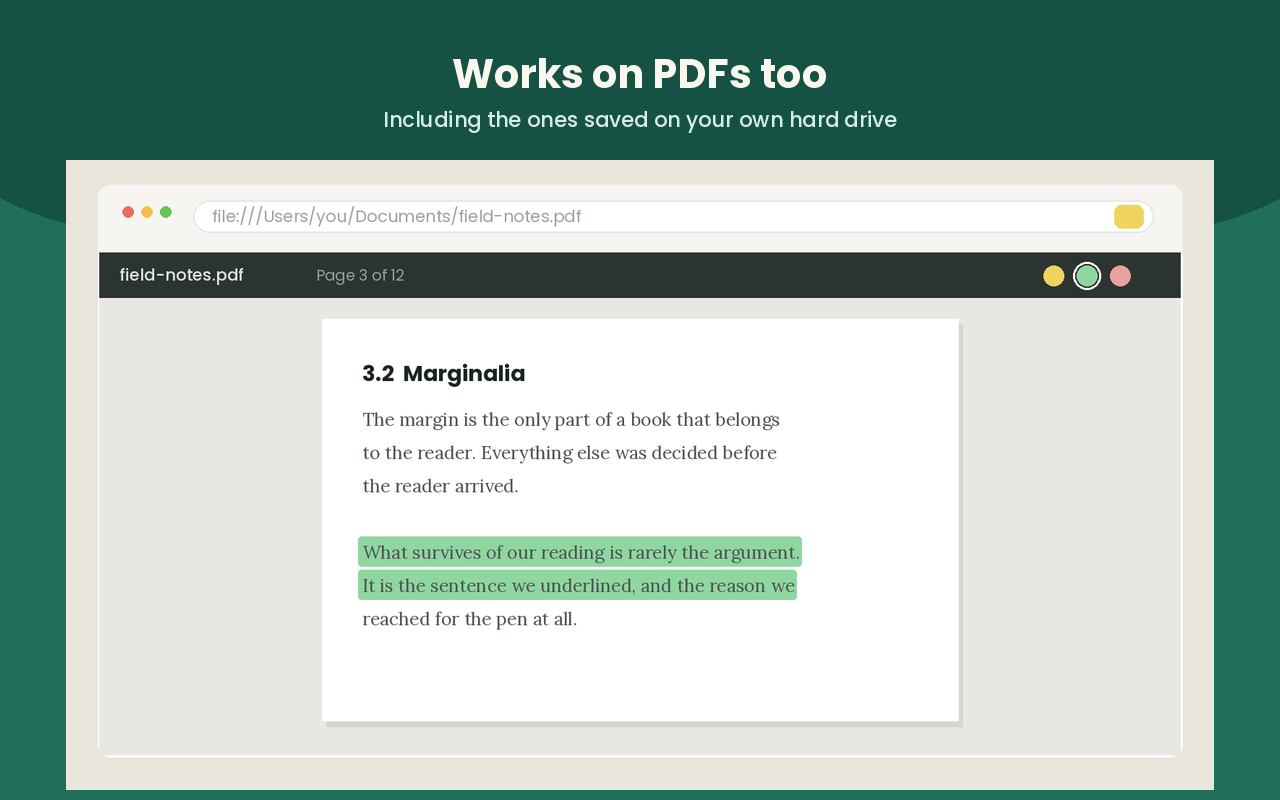
Select text on a web page, or open a PDF in the bundled viewer, then highlight and revisit the same annotated material later.
 Offline-first Chrome extension
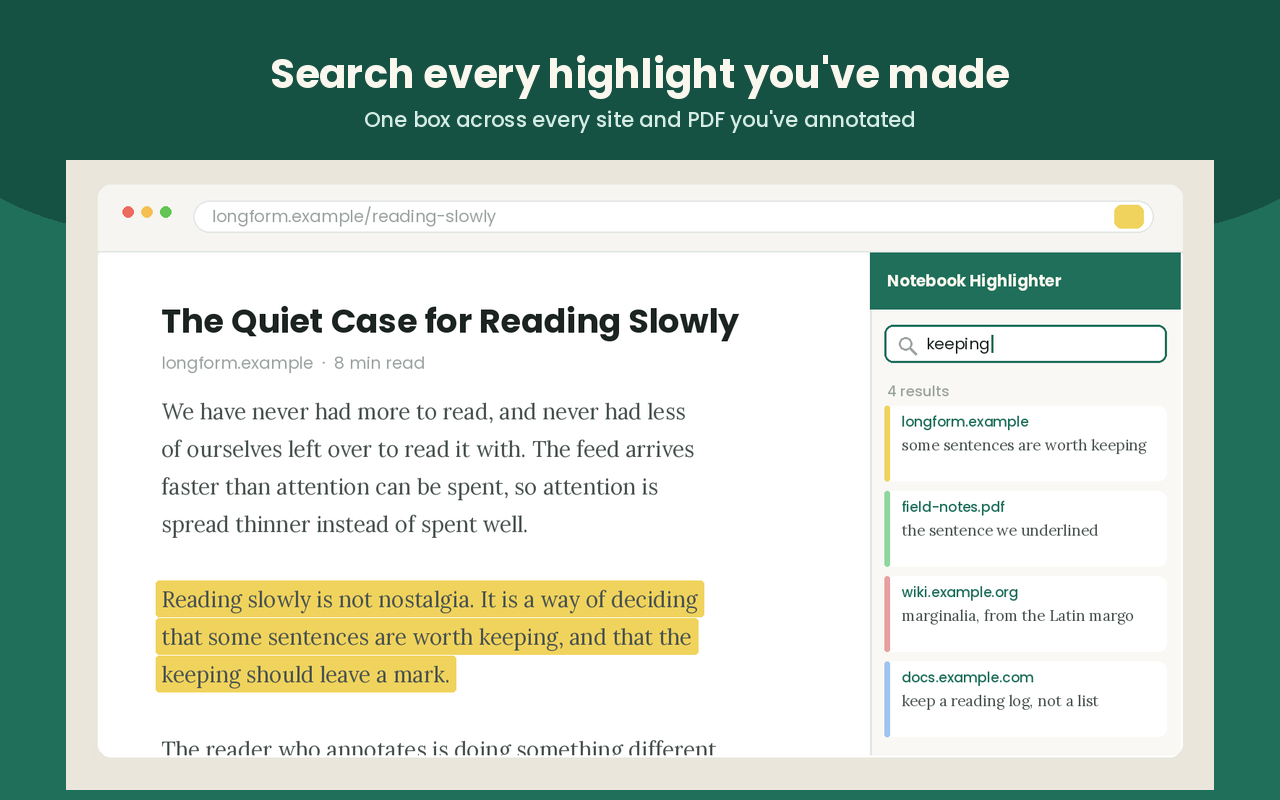
Highlight websites and PDFs like a real notebook, keep notes and tags beside every passage, save bookmarks and reader copies, search across everything later, and export what matters without needing an account.
Web
highlights
annotation
Local
storage
Select text on a web page, or open a PDF in the bundled viewer, then highlight and revisit the same annotated material later.
Add your own notes, tag passages for themes, bookmark useful pages, and set a reminder to return when you need the article again.
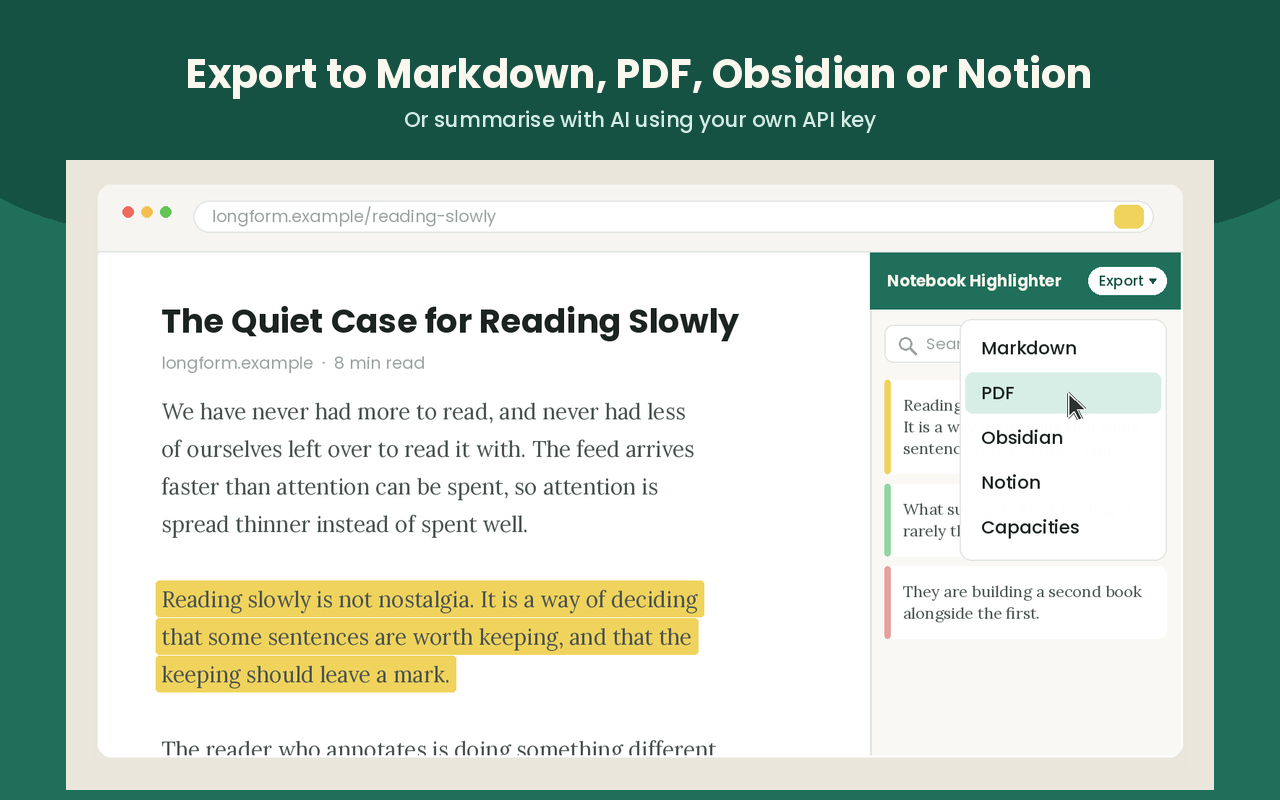
Generate Markdown, HTML, PDF, Obsidian, Notion, or Capacities exports so research can move into writing, planning, or documentation.
Extension screenshots
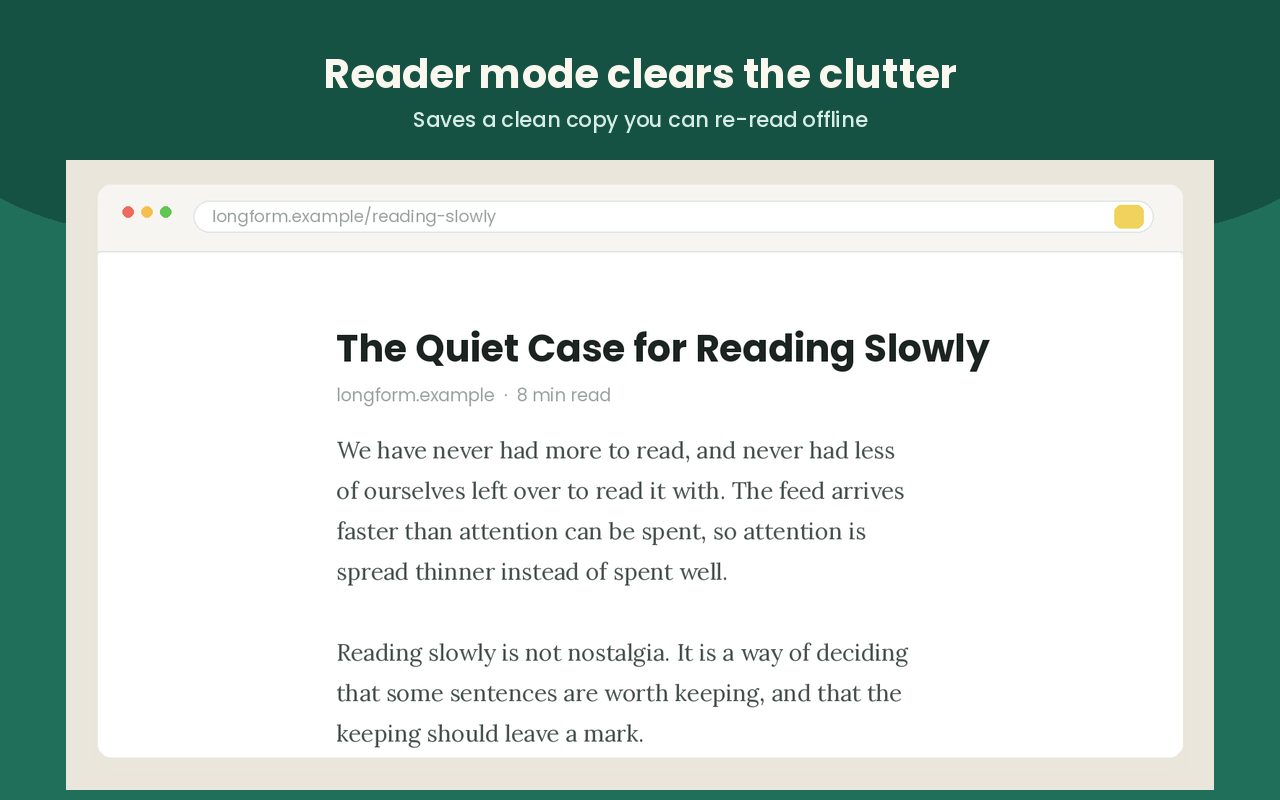
Notebook Highlighter is not just a text marker. It connects highlighting, reader mode, search, export, bookmarks, reminders, and optional AI into one reading workspace inside Chrome.
Privacy model
Highlights, notes, bookmarks, reader copies, reminders, and settings stay in local browser storage by default. Data leaves the browser only when the user explicitly turns on a feature such as AI summary, custom sync, or a third-party export integration.
The extension is designed to work without sign-up, developer cloud storage, or analytics.
Optional AI summary and chat use the endpoint and key the user configures, not a hidden developer service.
Markdown, HTML, PDF, and local share flows are generated on-device unless the user chooses a remote integration.
Website access exists so the extension can capture a user-selected highlight and restore annotations on the same page later.
Notebook Highlighter is built for people who want to mark up web pages and PDFs, organize what they found, and move that material into the tools they already use.