Text that breathes
Apply dyslexia-friendly spacing, readable fonts, off-white tint, left alignment, text width, and italics removal.
 Dyslexia-friendly Chrome reader
Make long web pages easier to follow. ReadEase combines dyslexia-friendly typography, spacing, reading ruler, line focus, calm mode, clean reading view, read aloud, dictionary help, syllable splitting, pacer tools, and color-vision support in one local-first Chrome extension.
BDA
style baseline
Local
settings
40+
voice languages
Apply dyslexia-friendly spacing, readable fonts, off-white tint, left alignment, text width, and italics removal.
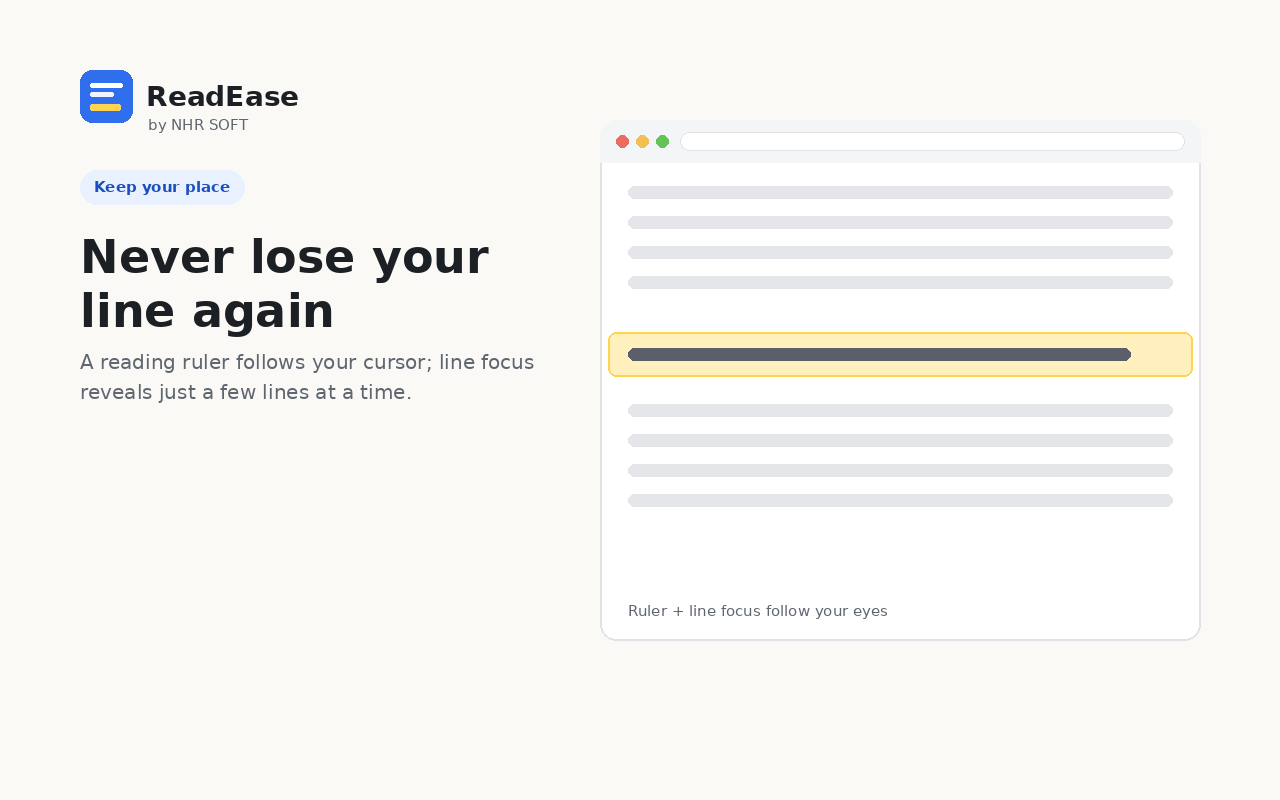
Use a reading ruler, line focus, calm mode, clean view, progress bar, pacer, and resume point on long pages.
Read selected text aloud with Chrome system voices, word highlighting, language filters, speed controls, and optional cloud voices.
Extension screenshots
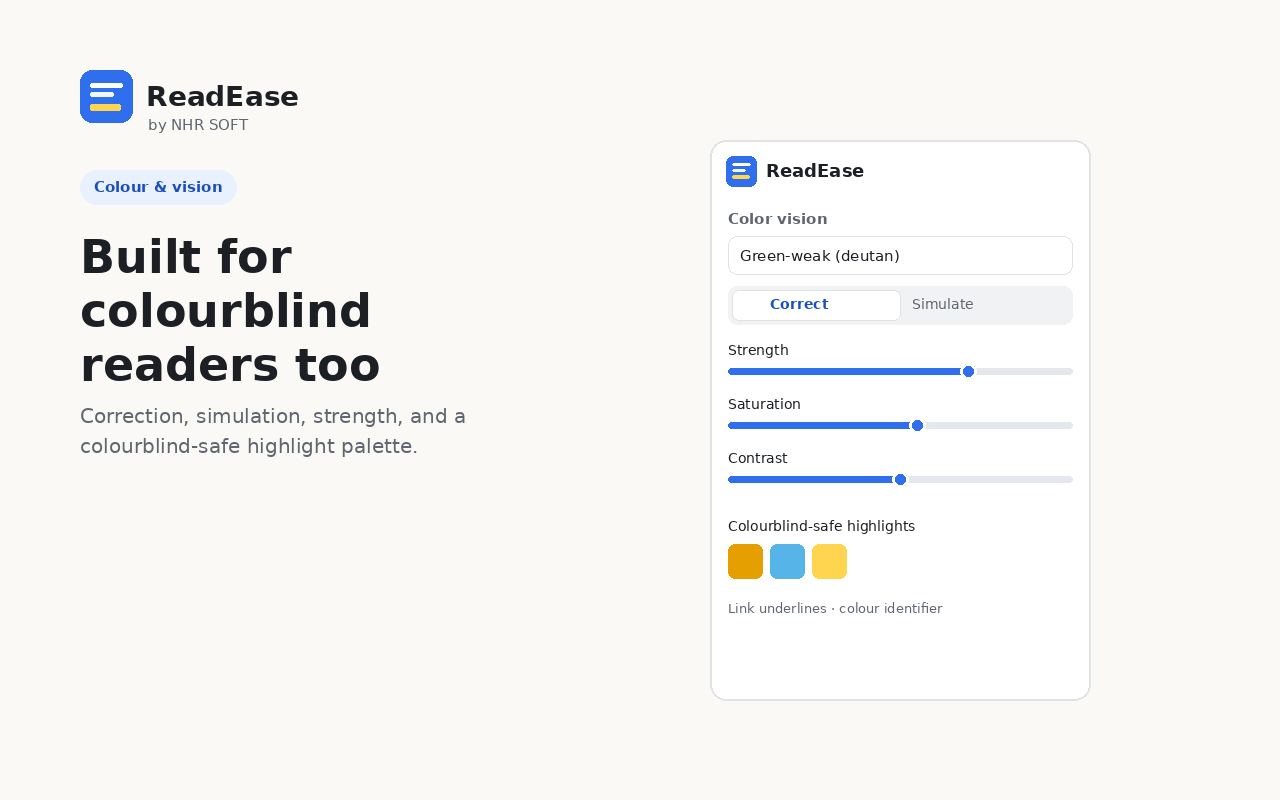
The popup and side-panel interface keep Text, Focus, Listen, Color, and Settings controls separated so readers can adjust one part of the page at a time.



Privacy model
ReadEase stores settings and per-site overrides in Chrome storage. No NHR Soft account, ads, analytics, telemetry, or browsing-history collection is used. Optional cloud voice, AI simplify, and dictionary features transmit only the specific text or word the user requests.
Core settings and reading preferences stay in Chrome storage.
Cloud voice, AI simplify, and dictionary lookups run only when the user chooses them.
Global defaults and website-specific overrides make different pages feel different.
Use a quick popup or dock ReadEase beside the page through Chrome Side Panel.